Ever spoken a thought out loud, only to then have it show up in real life shortly after?
(Don't worry, I'm not about to get woo-woo in this email)
But for those who know their Human Design chart, I'm a Manifesting Generator 6/2 😉
Here's the story:
When I started outsourcing video editing to an overseas agency in late 2024, they were using a big enterprise project management tool called Wrike.
No hate — but it felt clunky, confusing, and overloaded with notifications all cramped within the same thread.
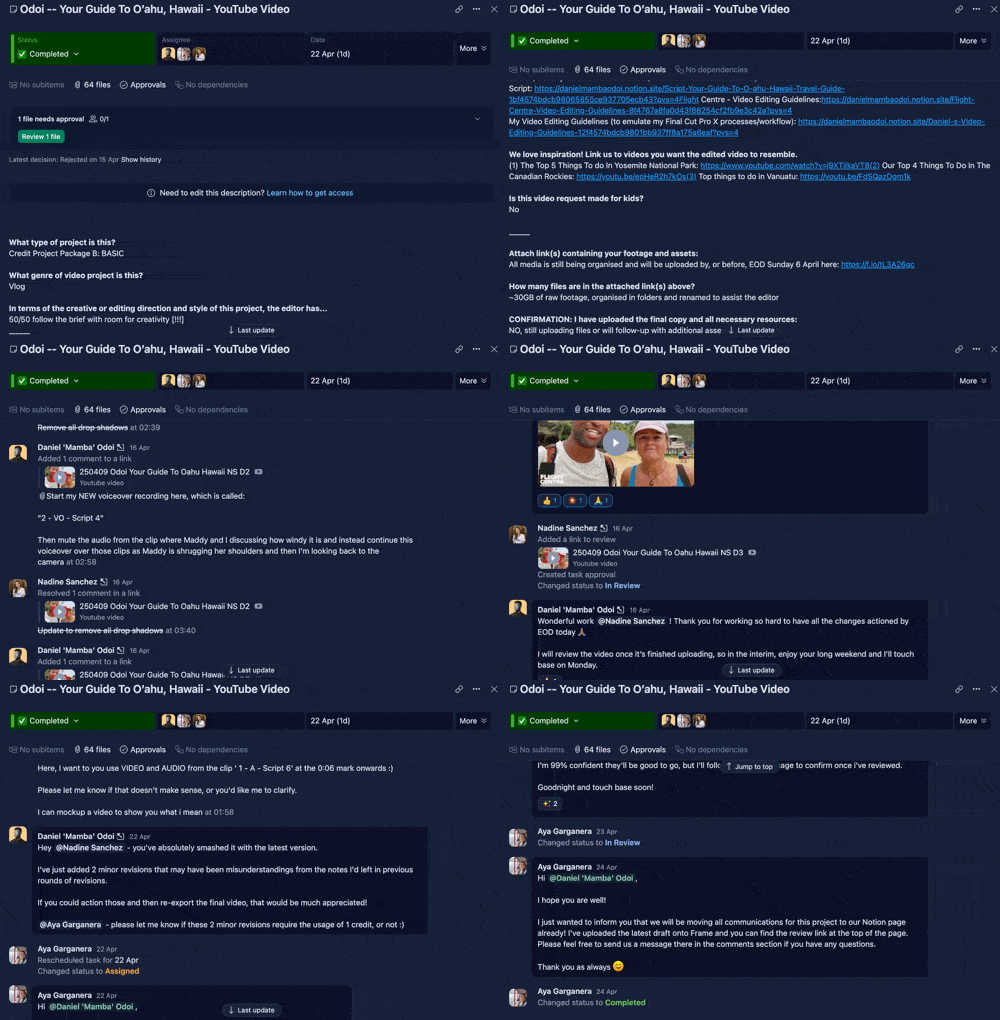
Nearly impossible to backtrack and find specific notes.
Last month, after returning from Hawaii and uploading footage to share with the editor, I casually mentioned to a colleague:
"Honestly, I'm surprised they still haven't just simplified their workflow with Frame.io for video reviews & Notion for project management yet."
For reference, I've been using and recommending both tools for years.
Well…halfway through editing our latest video, guess what update I got from the agency:
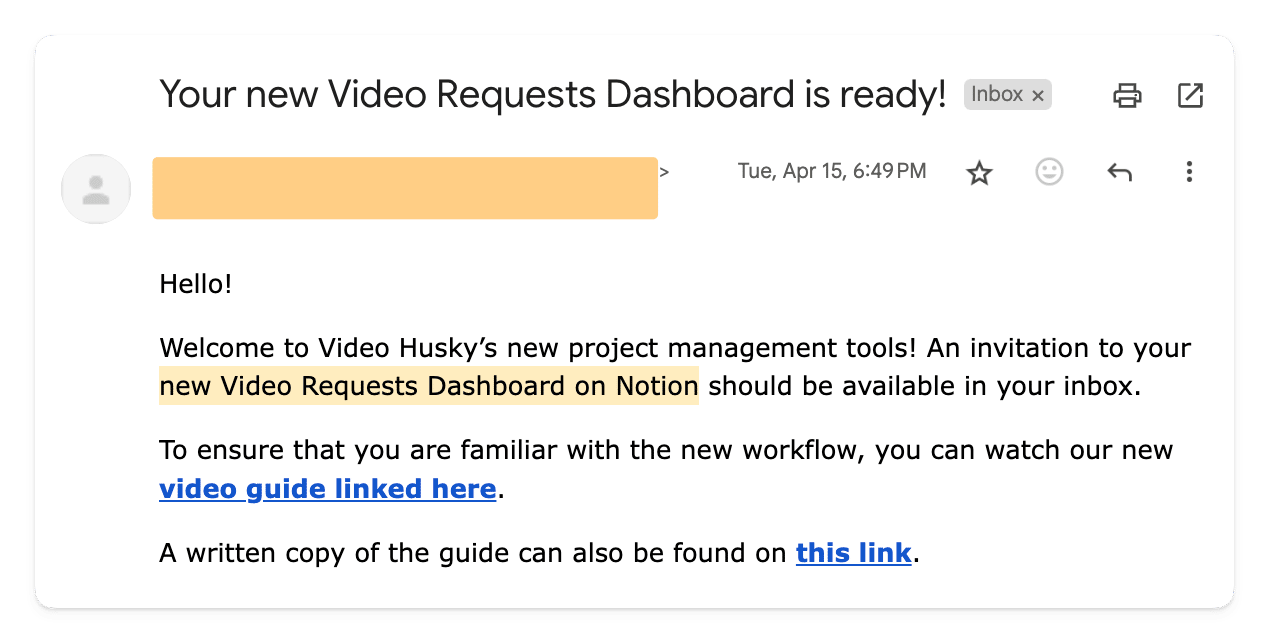
(Finally) moving to...Notion!
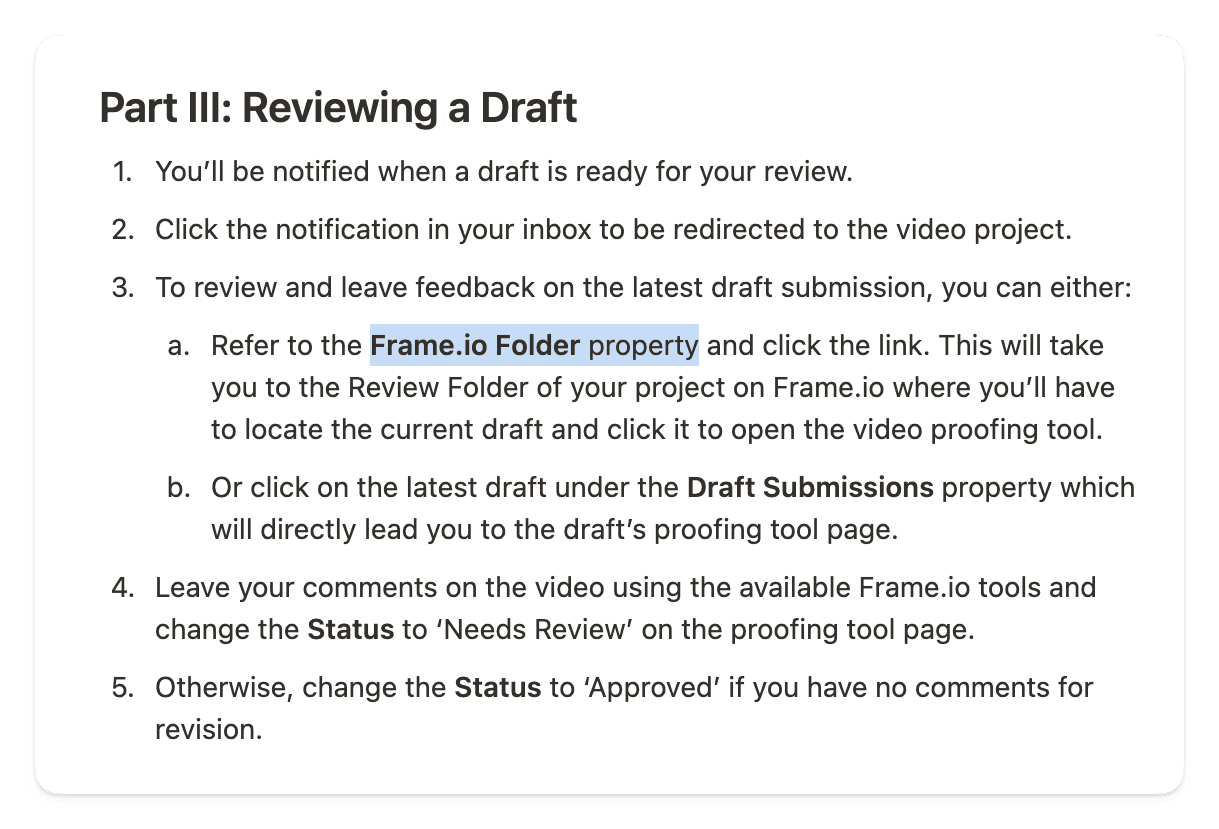
AND Frame.io
The agency announced it was scrapping its old setup (Wrike) and moving to:
Notion and Frame.io.
It confirmed what I've been preaching for years:
You don't need complicated tools.
You need simple, visible systems.
My entire client workflow today runs on 4 things:
- Notion (project tracking)
- Final Cut Pro (editing magic)
- Frame.io (video reviews)
- Slack (client messaging)
That's it.
And it's a similar setup that my video editing agency now uses to handle hundreds of their clients' deliverables.
So if you're feeling buried under messy workflows, bloated tech stacks, or endless revision threads, it's time to simplify.
I recorded a new YouTube video where I walk you through exactly how I set up and run my client service tech stack easily.
As always, I hope this serves you or someone you know (feel free to forward!)
Even if you're not creating videos, you'll still find a ton of value from seeing behind-the-scenes of how I operationalise my end-to-end client process.
Mamba