Like me, you don't need a background in graphic design or 3D art to create professional-looking graphic designs.
Thanks to the internet, you can find free (or very affordable) pre-made templates to create stunning professional assets for your brand.
A video client recently asked me if I could create a series of Polaroid photo mockups featuring their brand's assets. Even though I knew I couldn't create it from scratch, I confidently told them: "No worries."
Here's how.
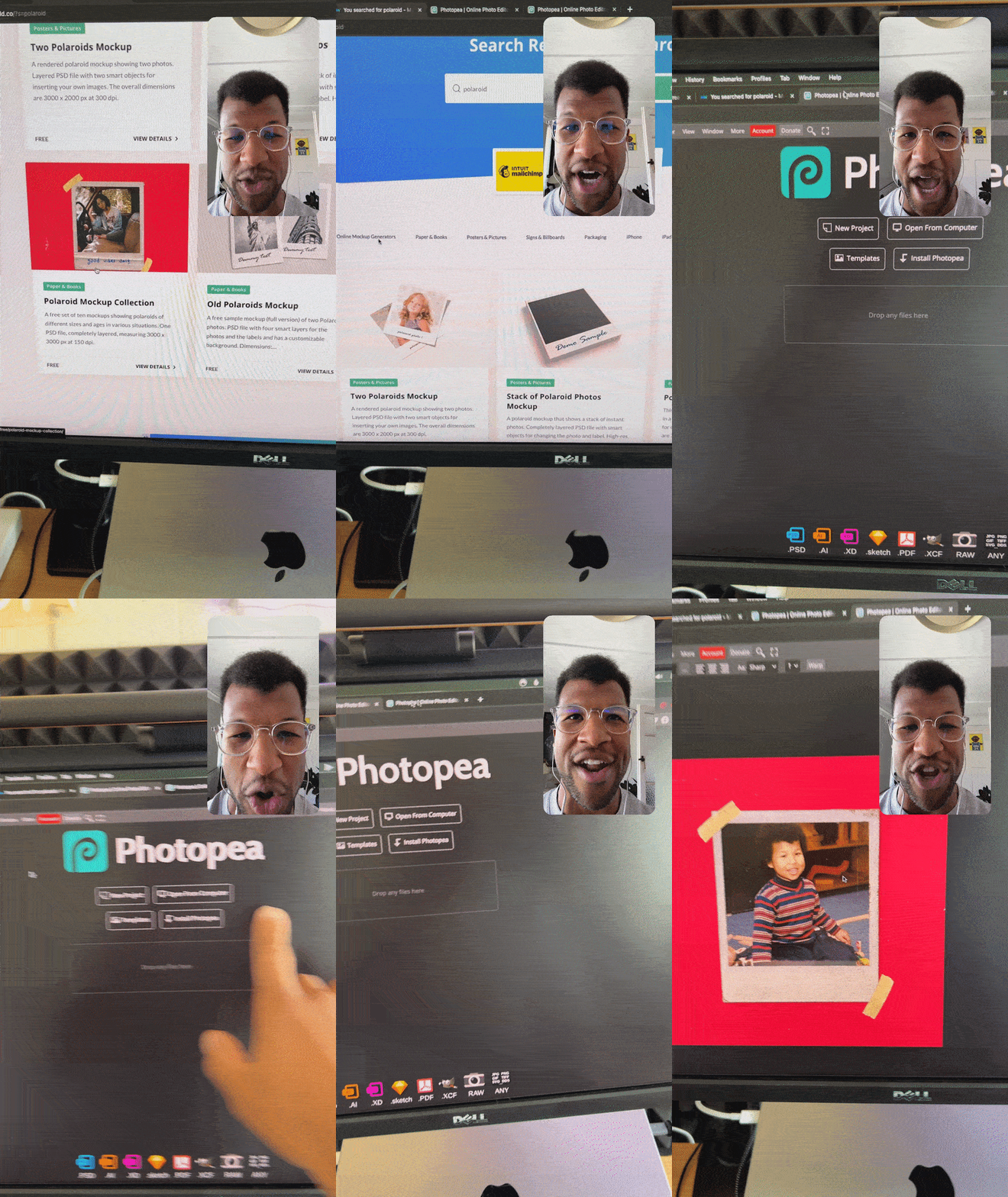
The Process
Creating professional mockups breaks down into three simple steps:
- Search: Find an online library to search for the graphic you want
- Edit: Use a graphic editing app to open your template
- Export: Insert your brand asset, save & export!
Step 1: Search
Find an online library or marketplace that offers graphic design templates.
I recommend:
- Mockupworld (free)
- Envato Market (paid)
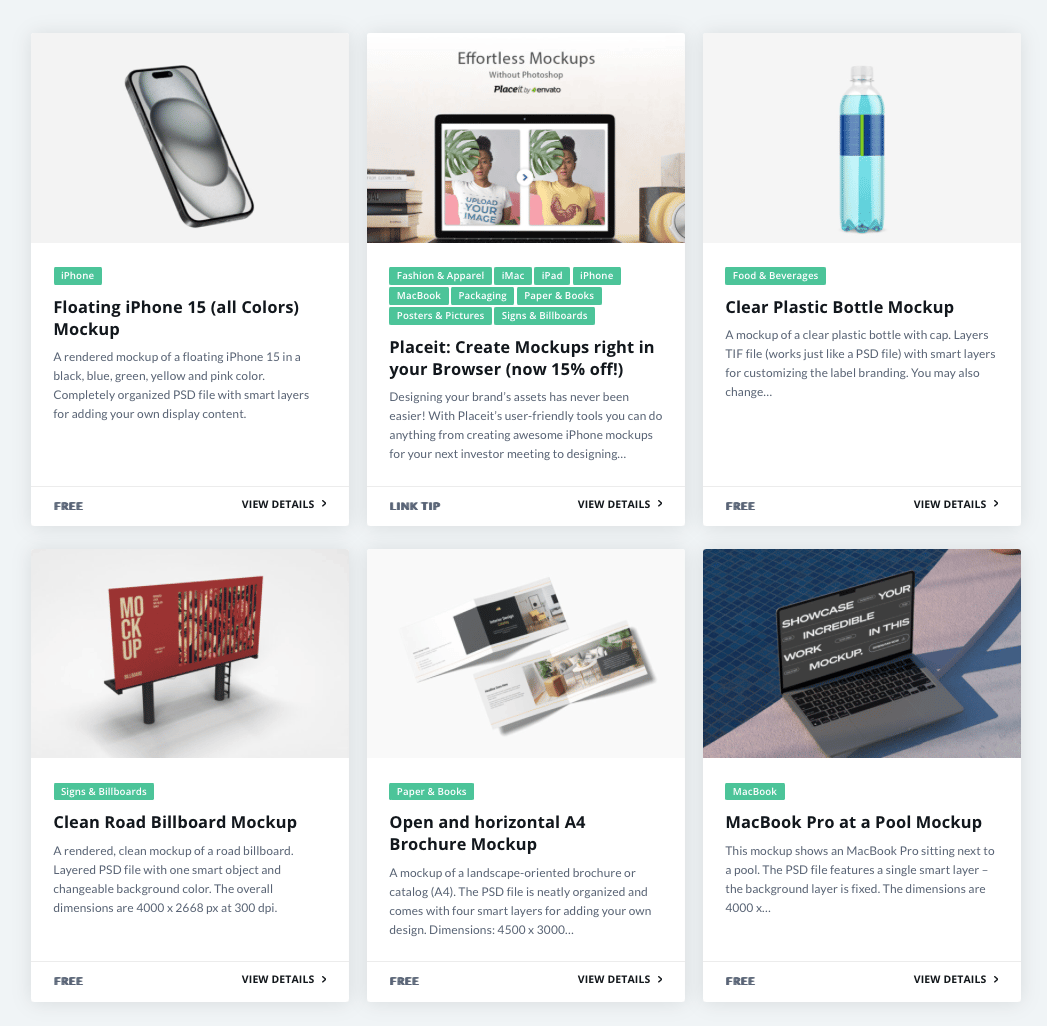
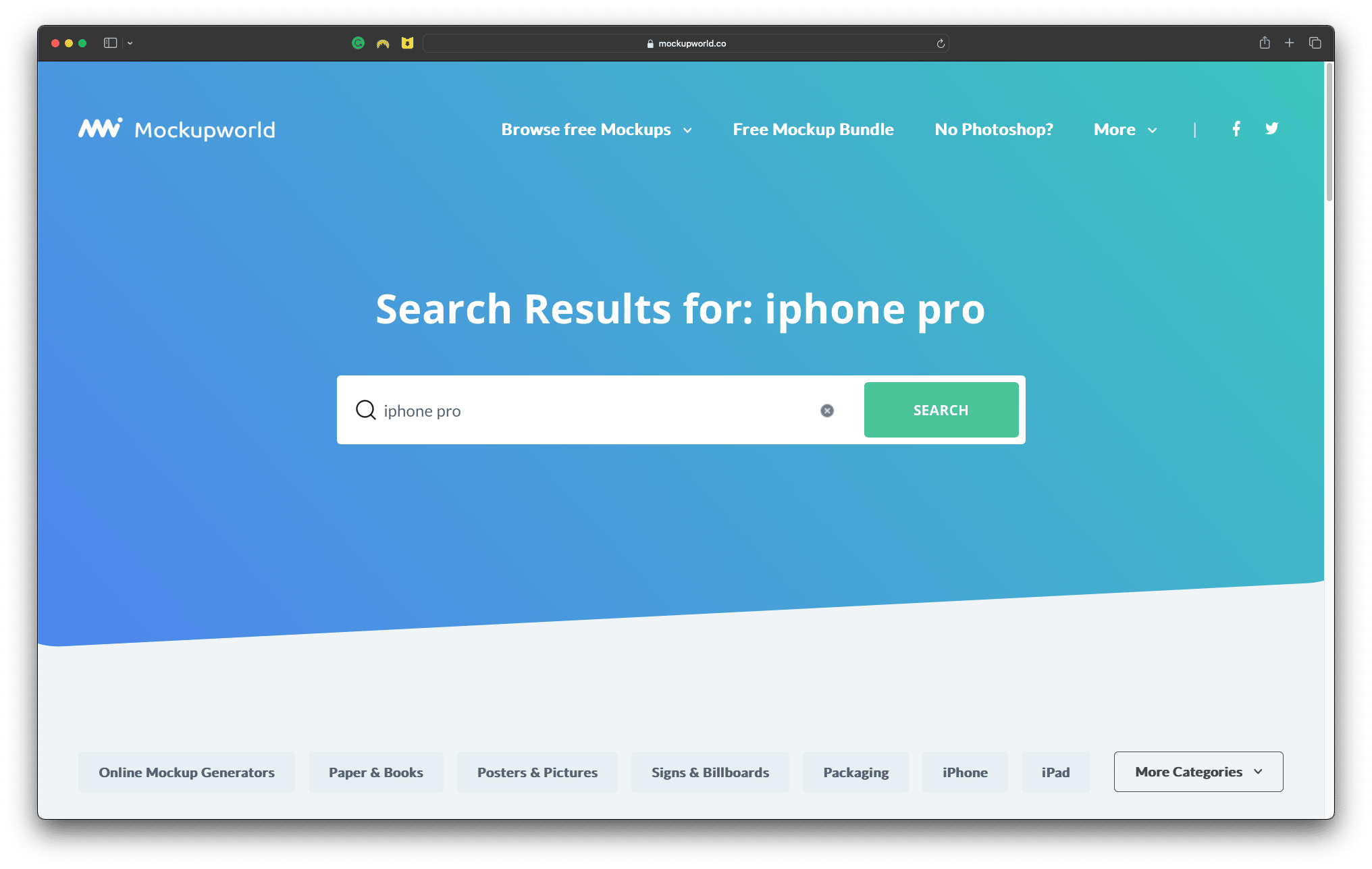
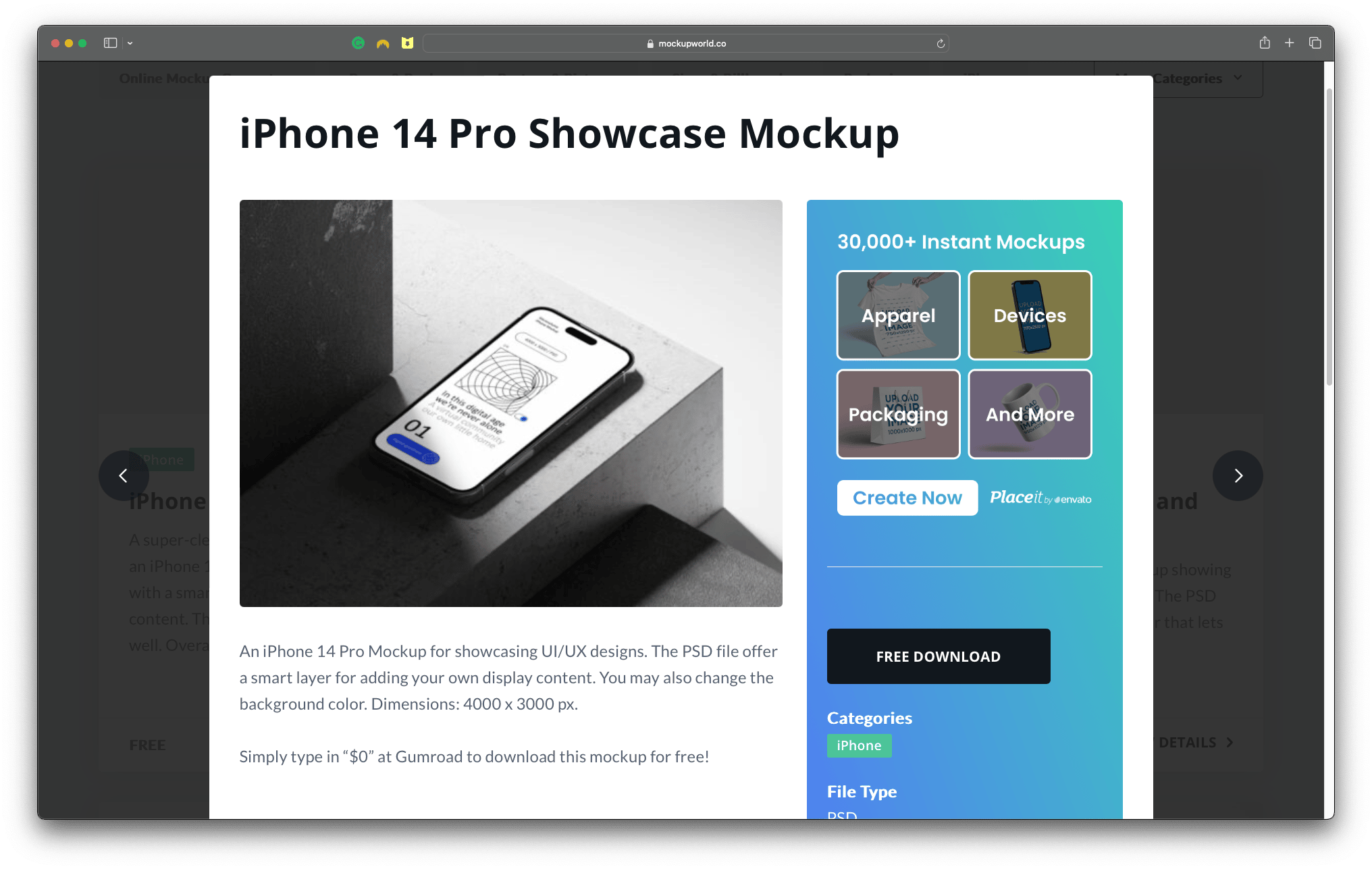
Search for the mockup you'd like to create ("iphone pro"), browse to find your favourite and download it.
Step 2: Edit
Next, open the template in a graphic editing software.
Most templates will come as a Photoshop file, so you need a program capable of opening and editing a "PSD" file.
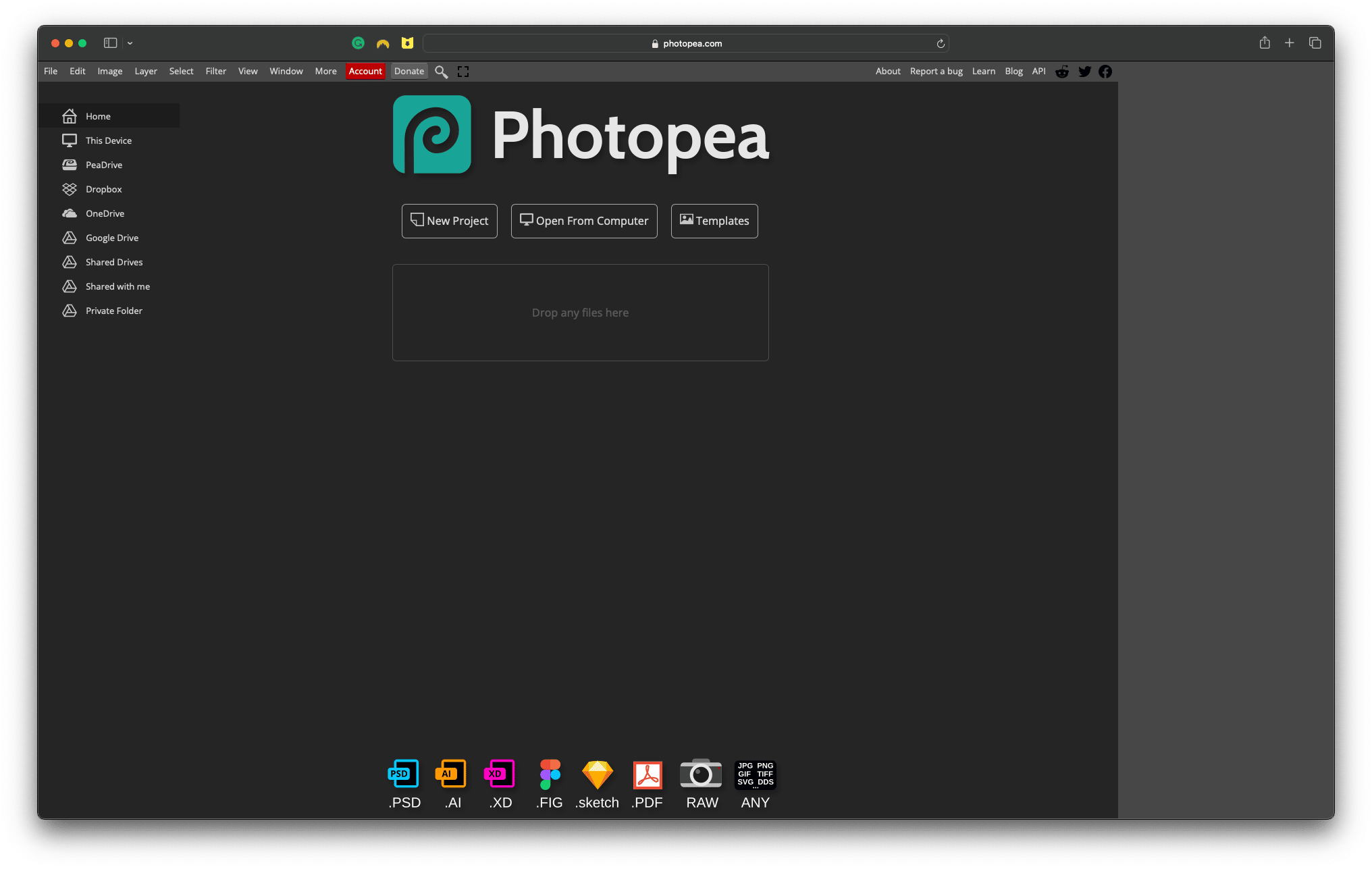
Don't have Adobe Photoshop? No worries, use Photopea:
- It's free to use (just a few pesky ads)
- It works in any desktop browser
- It can open a full suite of design files (PSD, AI, XD, FIG etc)
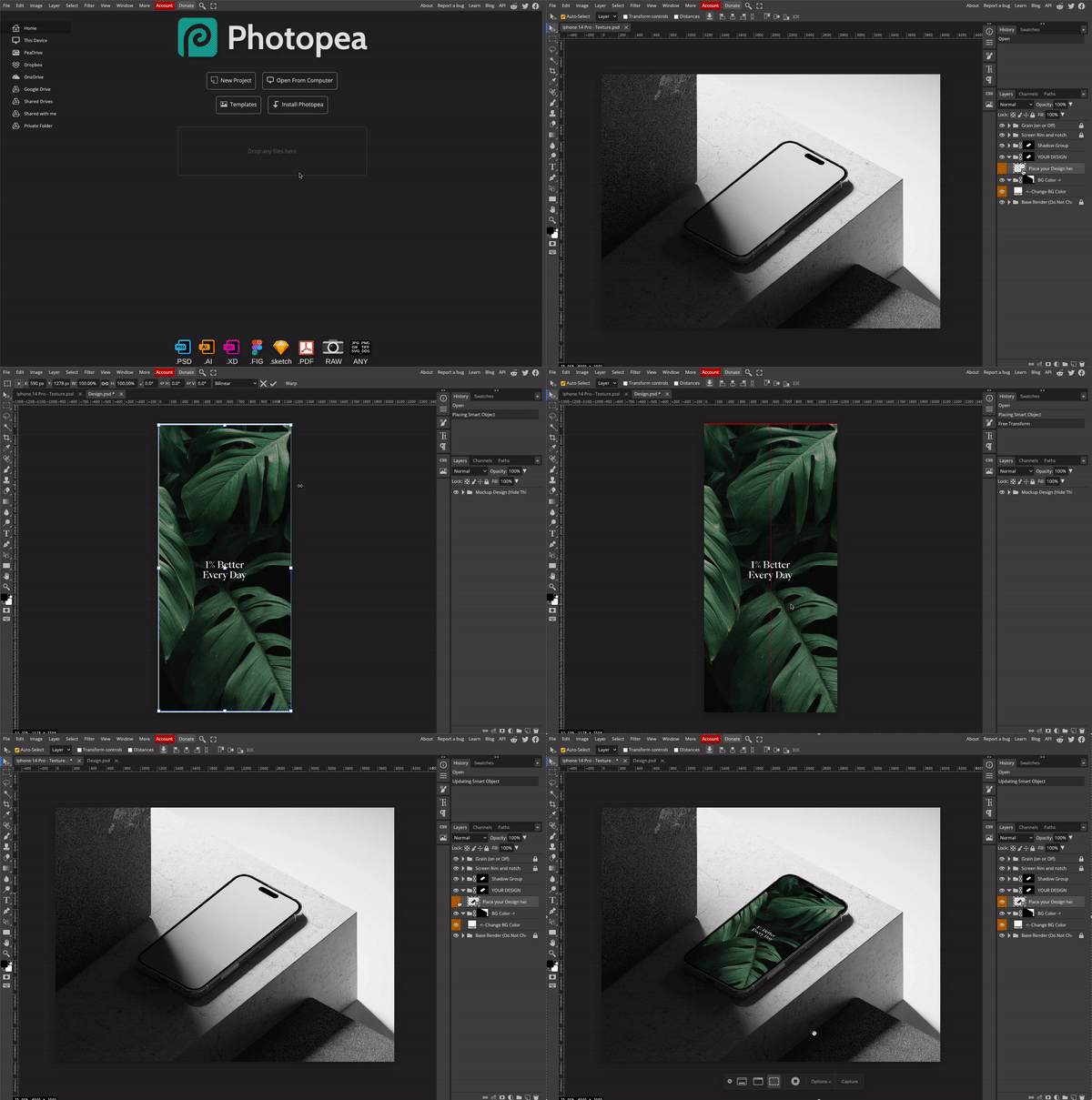
Then, locate a layer titled something along the lines of "Place Your Design Here" and:
- Double-click to open that layer
- Click and drag your brand asset into the browser
- Hit Command/Ctrl + S to "place" your asset in the template
When you click on the first tab (with the original template), you'll see that your design has now been placed.
Step 3: Export
Finally, save and export the design to your device and use it wherever you like!
In my case, I uploaded it as an image preview of my free smartphone wallpaper in my link in bio tool.
Summary
- Search - Use Mockupworld (free) or Envato Market (paid) to find your graphic template
- Edit - Use Photopea (free) to edit your graphic template
- Export - Save your masterpiece to your device & share it with the world
Mamba