I get asked a lot about how I create content.
In fact, after doing a content collaboration with Flight Centre, they came back to me asking if I could create a YouTube video sharing my secrets...
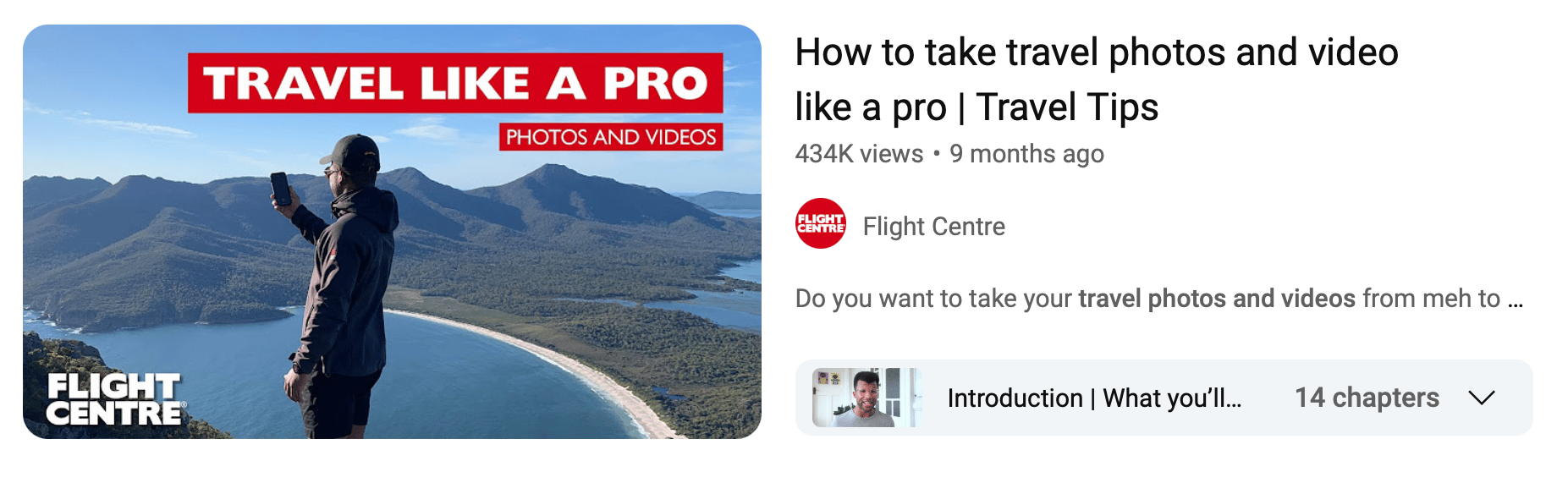 🔗 Not so secret anymore I guess...🤷🏽♂️
I've been teaching a simple 3-stage method to hundreds of digital creators, solopreneurs & side-hustlers over the years.
Each stage of my method includes 3 steps:
1️⃣ Planning ( "Pre-production") * Brief * Research * Script
2️⃣ Recording ( "Production") * Shot List * Schedule * Equipment
3️⃣ Editing ( "Post-production") * Editing * Revisions * Optimise
🇨🇦 O Canada, O Canada
Maddy (my partner) and I have both held the desire to spend an extended period working & travelling in Canada during our younger years.
Here's why:
- Maddy spent 6-months in British Colombia for a university exchange program
- And myself? I spent ~3 weeks in Montreal for an international business case competition with 3 peers & a senior professor
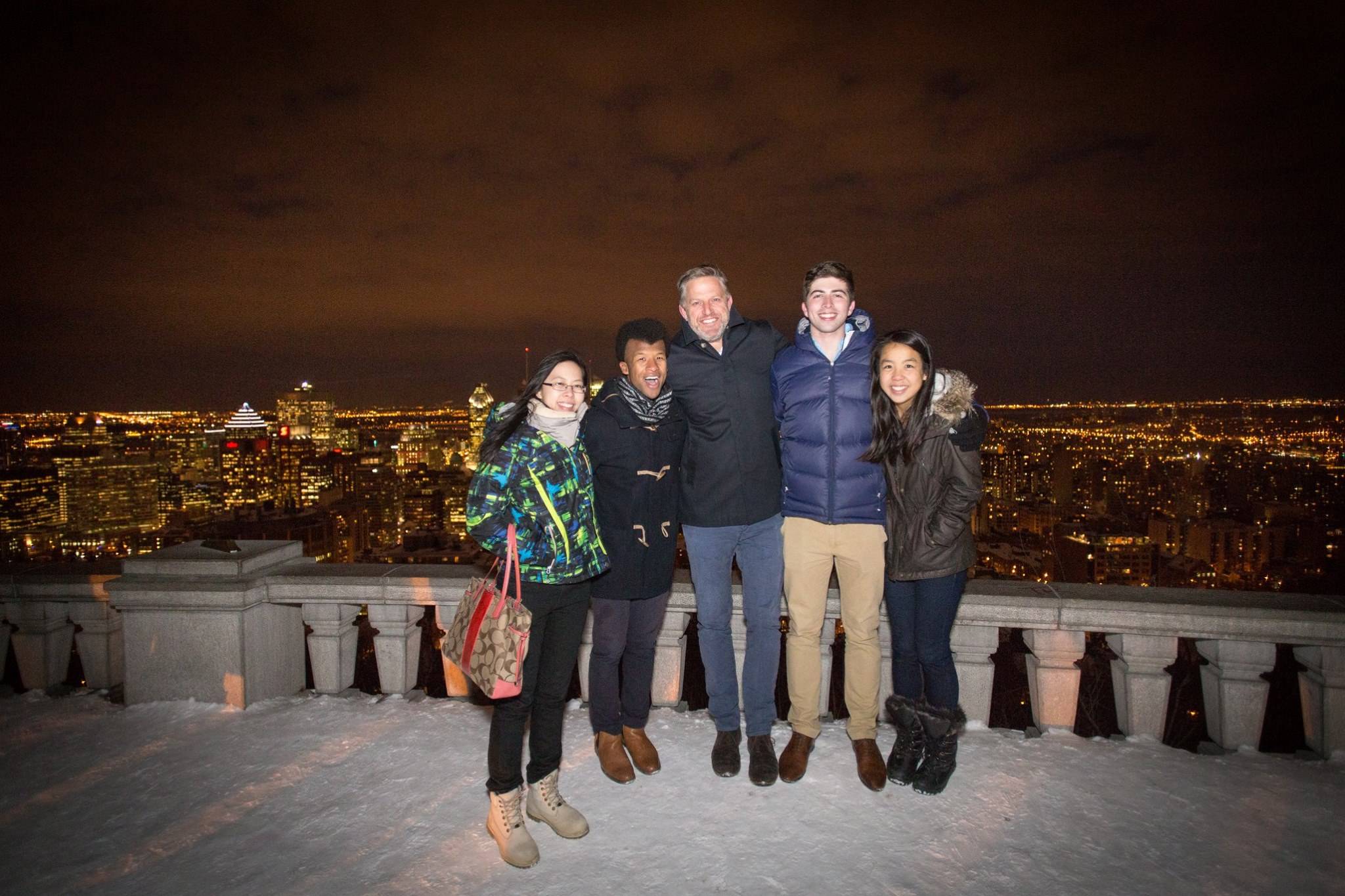 In Montreal for the John Molson Undergraduate Case Competition
Both of us came away from our respective trips enamoured by the landscapes & lifestyle of Canada.
So when we started dating ~6 years ago, and shared our individuals aspirations to return to Canada, it was a sure thing that we'd make it happen together and in the near future...
And then 2020 happened.
I don't need to go into too much detail, but let's just say that our Canadian travel plans were parked indefinitely...
Until now.
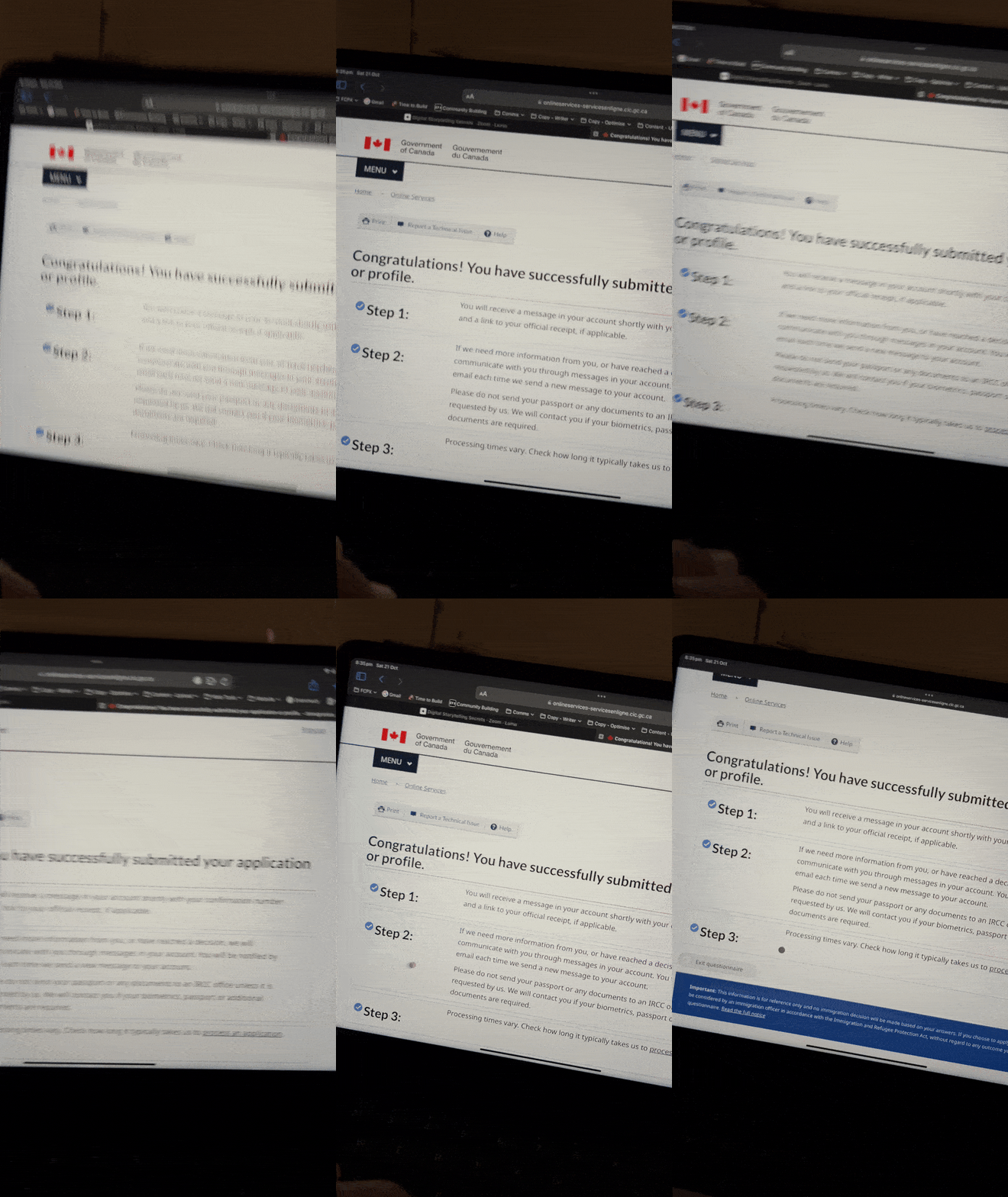
We kicked off the application process for a Working-Holiday visa as part of the International Experience Canada program.
And so far - so good!
We've arranged housesits using the platform called Trusted Housesitters.
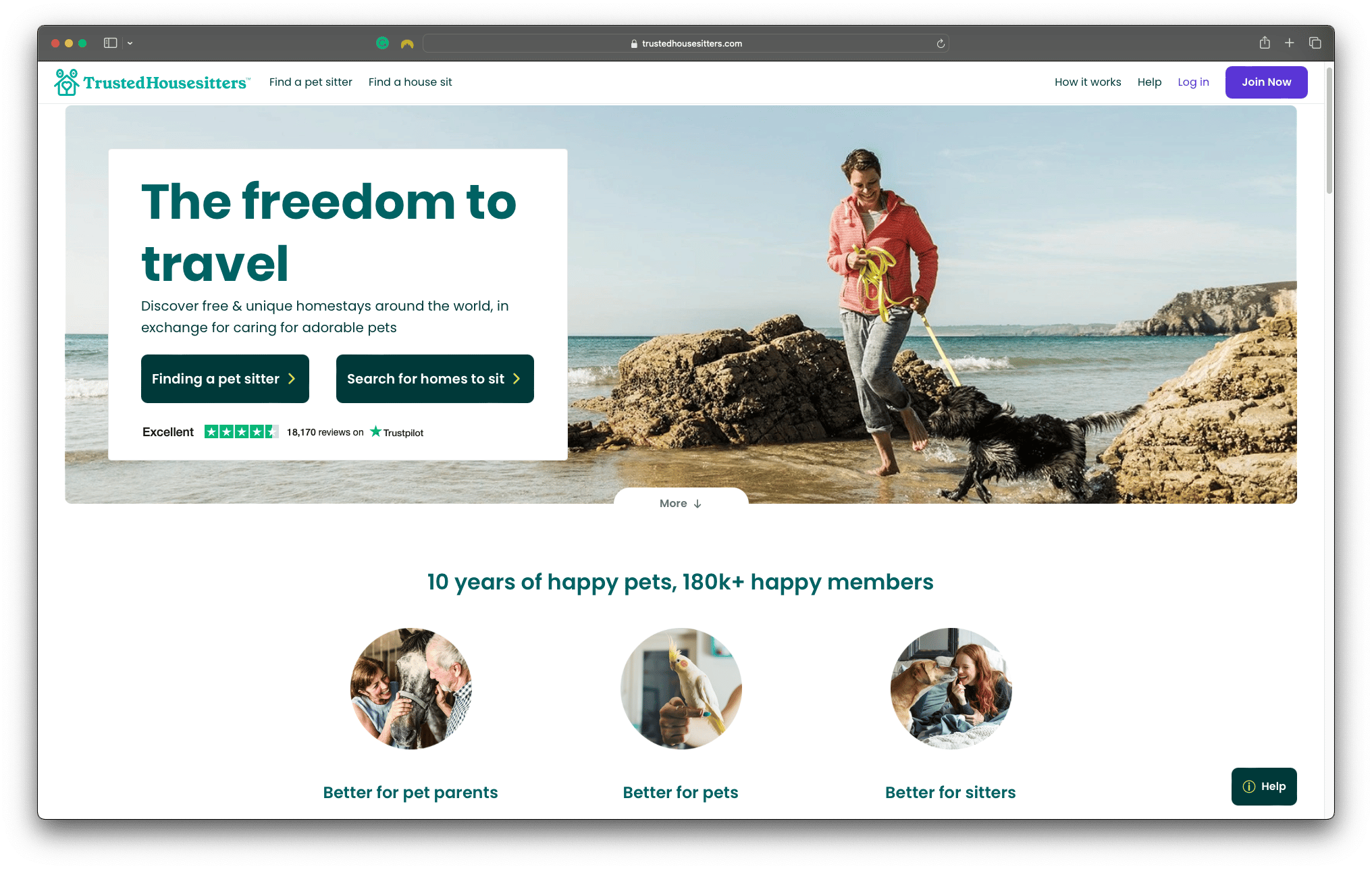 Trusted Housesitters - Highly recommended if you're travelling abroad and happy to look after pets in exchange for free accommodation
However, as sexy and exciting as it is to relocate overseas, there's a lot of unsexy life admin and "stuff" that needs to be sorted out before heading off.
One of those unsexy things includes moving out of our place and finding suitable tenants to move in.
But instead of facing this task with anxiety and frustration, we thought we'd flip it on its head by asking ourselves:
What would this look like if it were easy?
— Tim Ferris
Being a camera-confident couple, with a savvy for video content, we decided to skip going to realestate.com.au and instead, create a promo video for our socials that could ask our friends & family to help us find a suitable tenant.
So that's what we did.
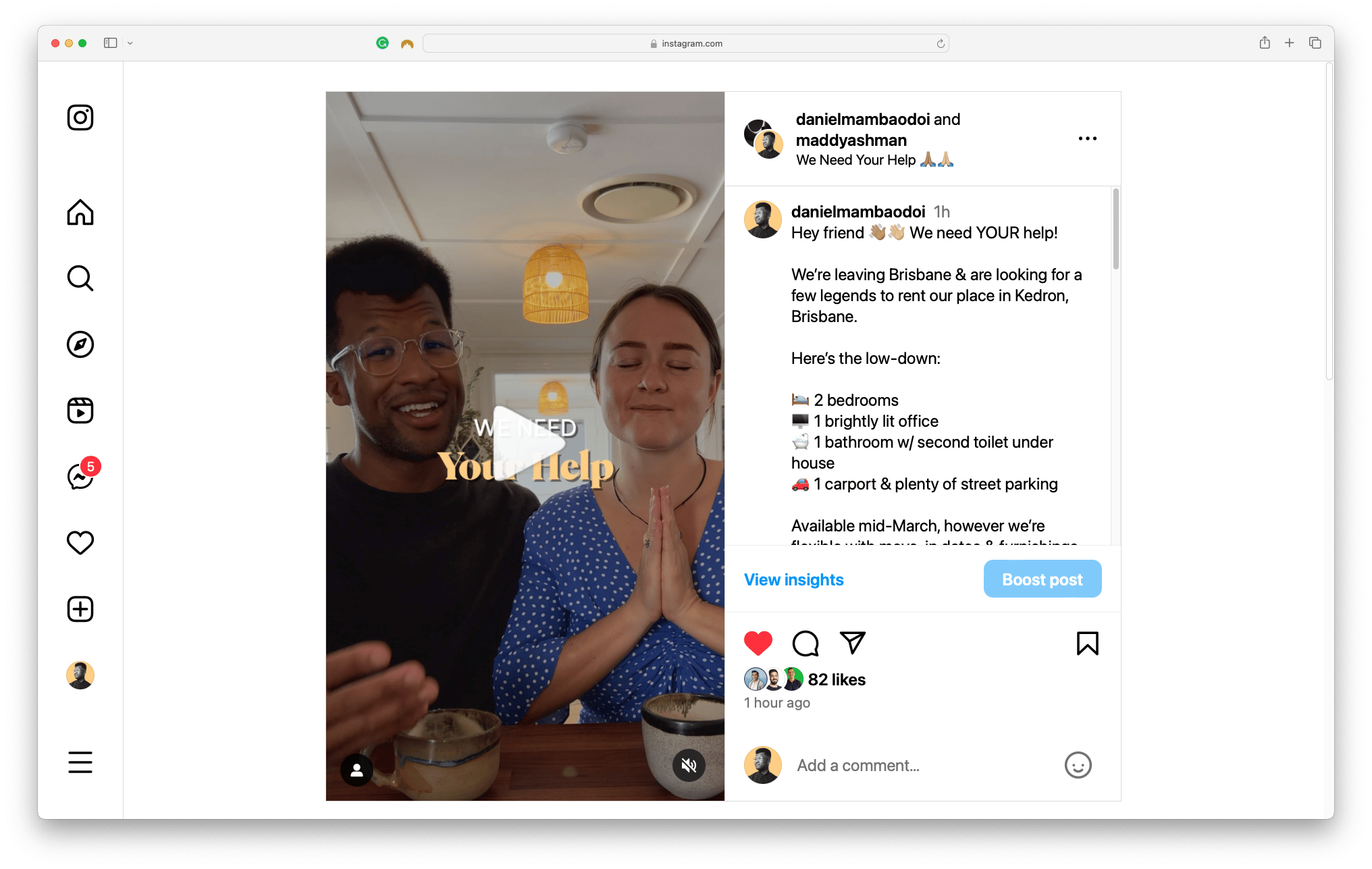
And here's how:
The Mamba Method for Video Content
1️⃣ Planning ( "Pre-production")
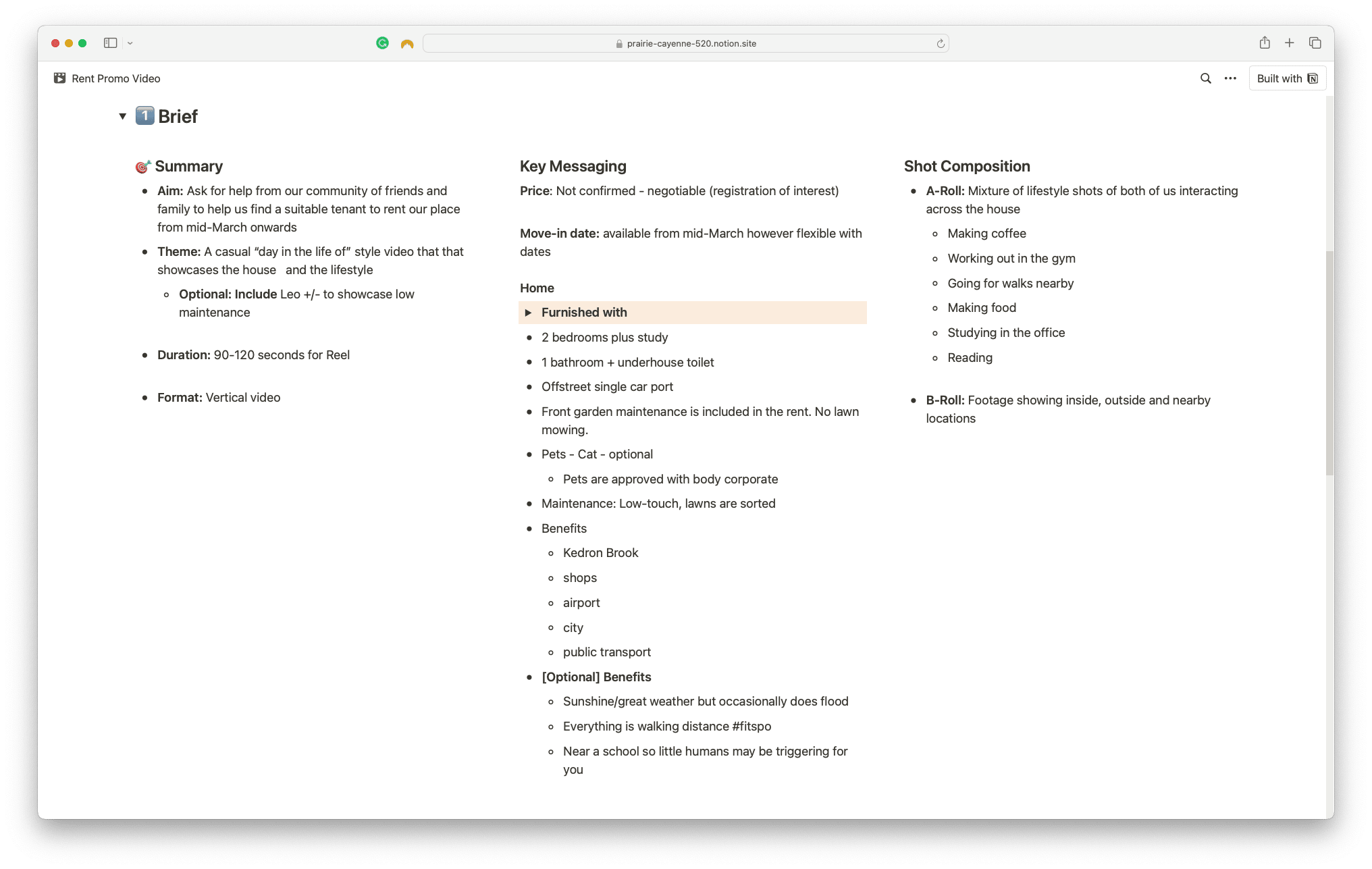
Brief
This is where you "braindump" your ideas for your creative masterpiece.
- Summary: what is the purpose, theme and final product?
- Key Messaging: what are key messages, points or value?
- Shot Composition: what do you envision the actual footage to be made up of? Talking heads? Drone footage? Voiceovers on b-roll?
Research
Now you have a general idea of your creative vision, it's time to start synthesising some inspiration and similar content to what you're creating. #StealLikeAnArtist
This will enhance the quality of your content, by improving upon what others have done by adding your secret herbs and spices.
In our case, we discovered a detailed (but rather "salesy") description of our place on realestate.com.au.
We were able to take the key messaging points from that write-up and add them to our own, which leads to...
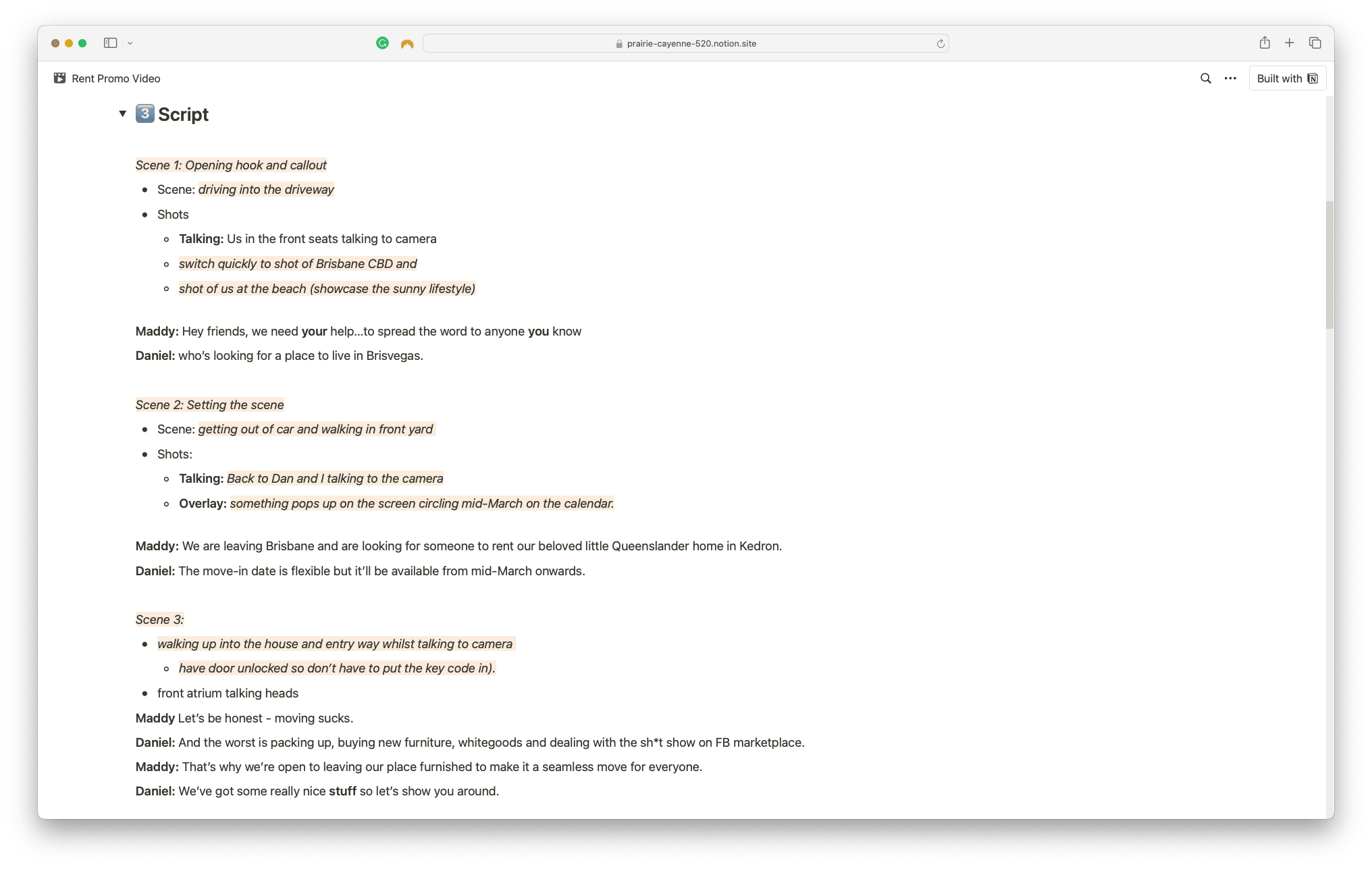
Script
There's no strict way of approaching scripting.
For me, I like to keep it focused on 4 things:
- Hook (first 3-5 seconds)
- Beginning (set the context)
- Middle (the key messages)
- End (outro and CTA)
Get creative and have some fun injecting your personality and flair into the lines and don't feel restricted to spell out each and every word.
The best delivery is usually freestyling on top of what you've outlined.
The real value of the script is to help guide the Shot List so that you know what video, photos and/or voiceovers you need to capture.
2️⃣ Recording ( "Production")
Shot List
Now that we've established our script, it's time to start compiling an (organised) list of the video, photos and/or voiceovers you need to capture in order to bring your script to life.
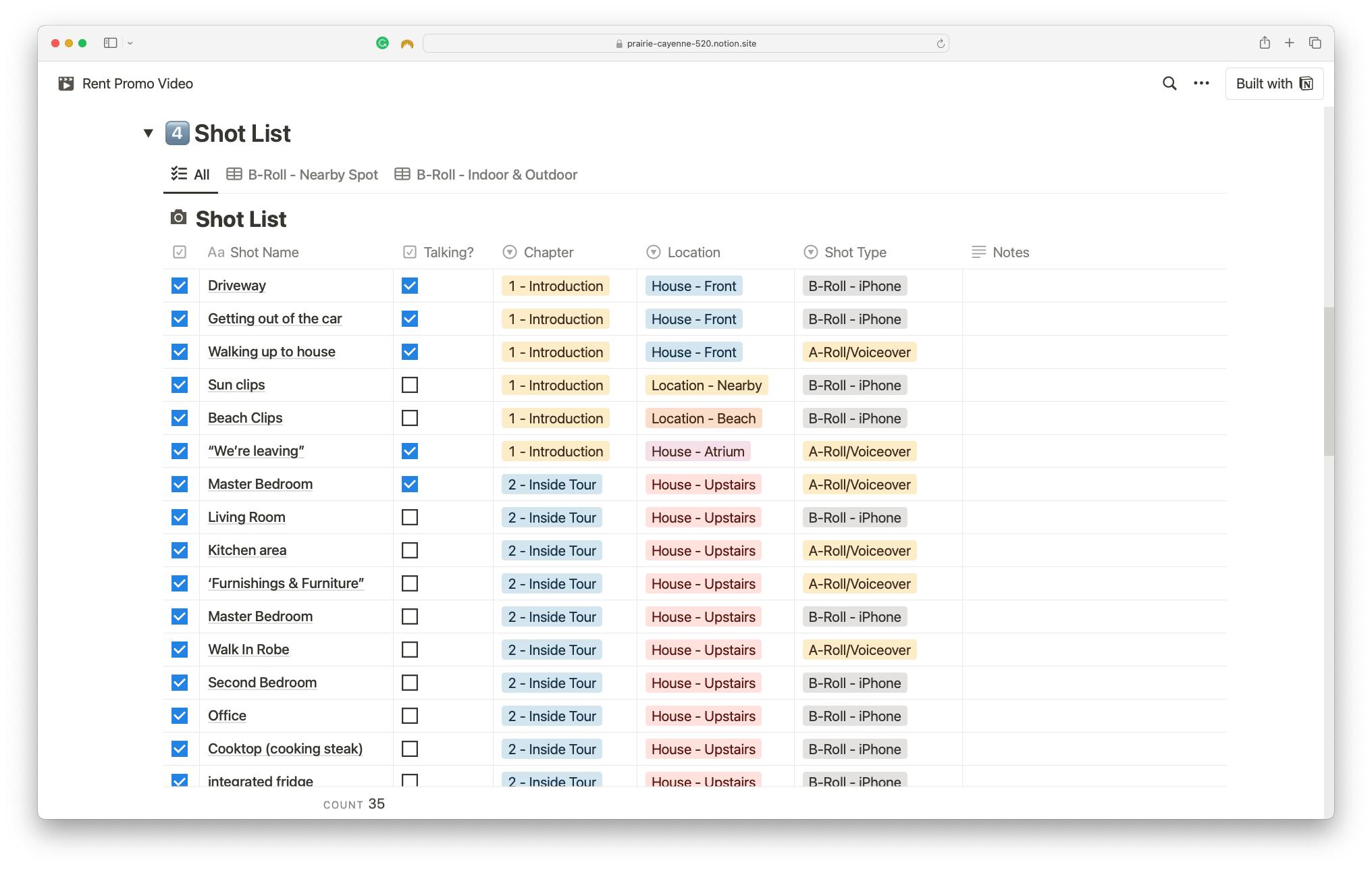 ✅ We organised our shot list using Notion's Table layout so we can sort, filter and check them off as we capture them.
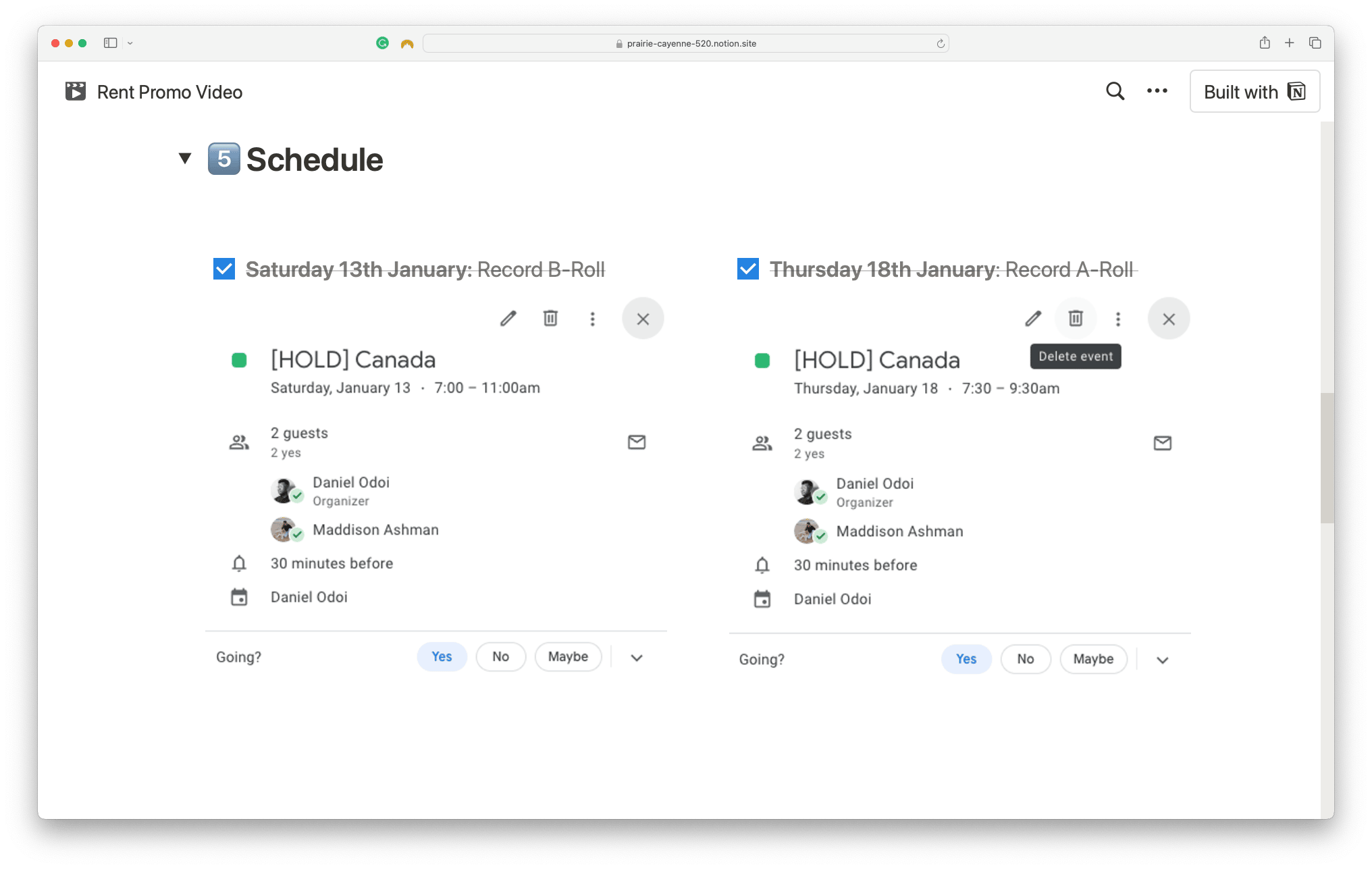
Schedule
Turns out that videos don't record themselves.
So whether you're recording by yourself, or recording with others, you need to make it a priority by putting it in the calendar.
Equipment
I recommend creating a checklist of all the equipment you'll need so that you're not running around on the day trying to find the gear when you need it.
If you're recording at home, you can probably get away without it but if you plan to record in places away from home, then a checklist is a non-negotiable.
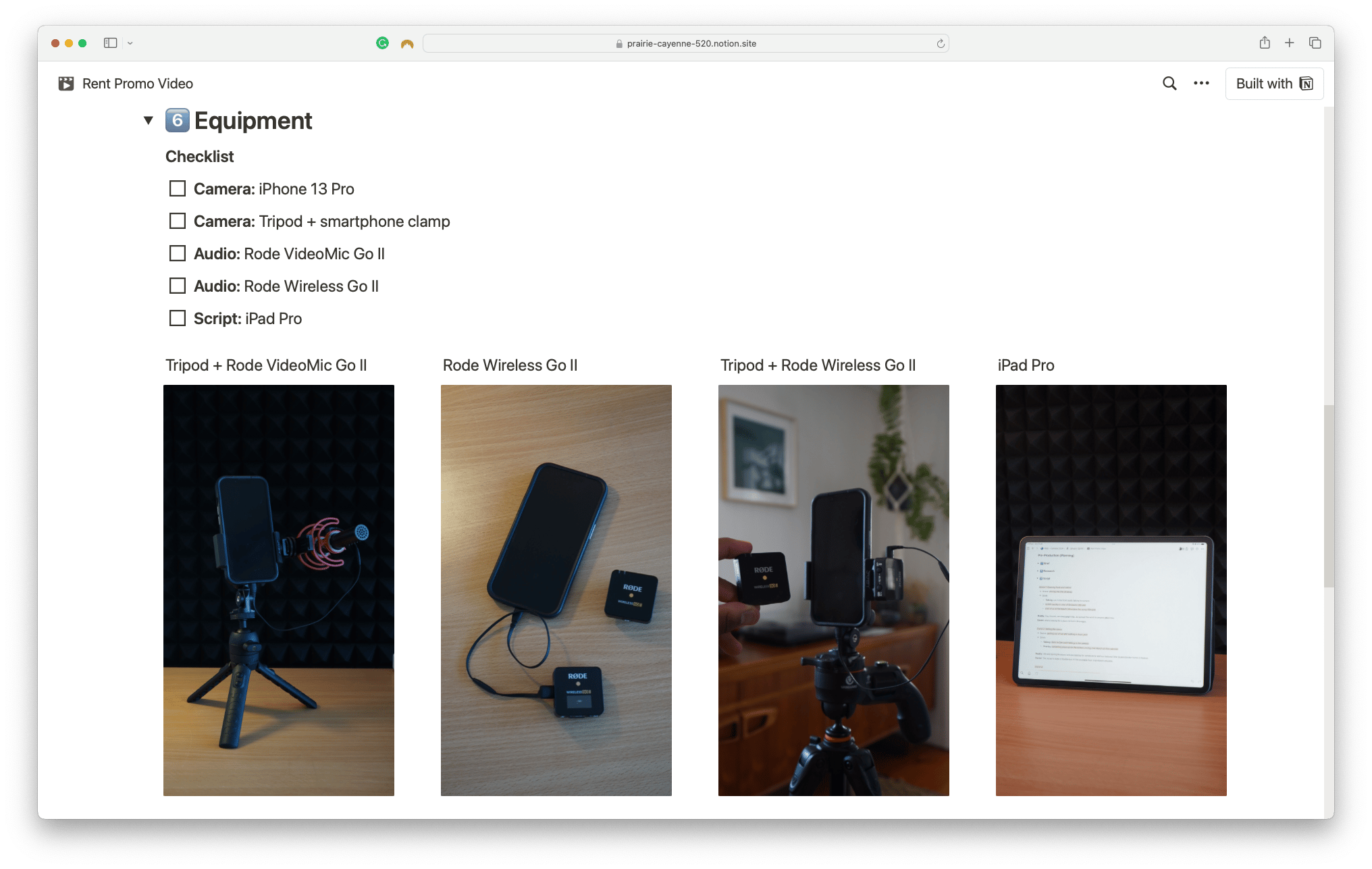 There's nothing worse than the sinking feeling of realising that you left a microphone or tripod at home - trust me, that's happened many times.
3️⃣ Editing ( "Post-production")
Editing
This is arguably the most time-intensive process (this one took me 3-4 hours for a 2-minute edit), so any incremental changes you can incorporate into your editing process will make a big difference in the long term.
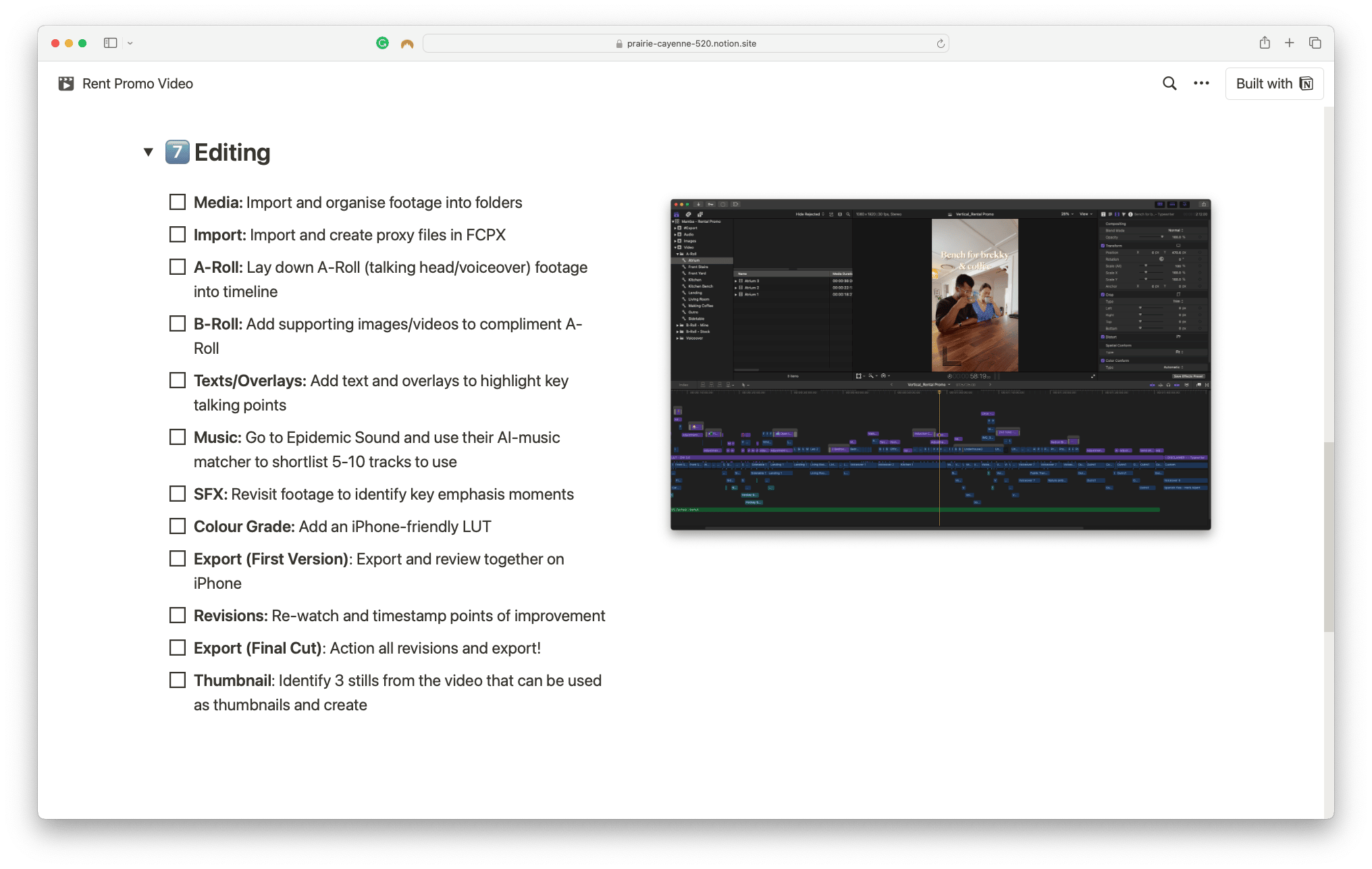
What I'm sharing is not prescriptive but it ensures that I have a standardised process to follow every time (and sometimes I skip steps if they're not relevant):
- Media: Import and organise footage into folders
- Import: Import and create proxy files in Final Cut Pro X
- A-Roll: Lay down A-Roll (talking head/voiceover) footage into timeline
- B-Roll: Add supporting images/videos to compliment A-Roll
- Texts/Overlays: Add text and overlays to highlight key talking points
- Music: Go to Epidemic Sound and use their AI-music matcher to shortlist 5-10 tracks to use
- SFX: Revisit footage to identify key emphasis moments
- Colour Grade: Add an iPhone-friendly LUT
- Export (First Version): Export and review together on iPhone
- Revisions (see below): Re-watch and timestamp points of improvement
- Export (Final Version): Action all revisions and export!
- Thumbnail: Create 3 stills from the video that can be used as thumbnails
Revisions
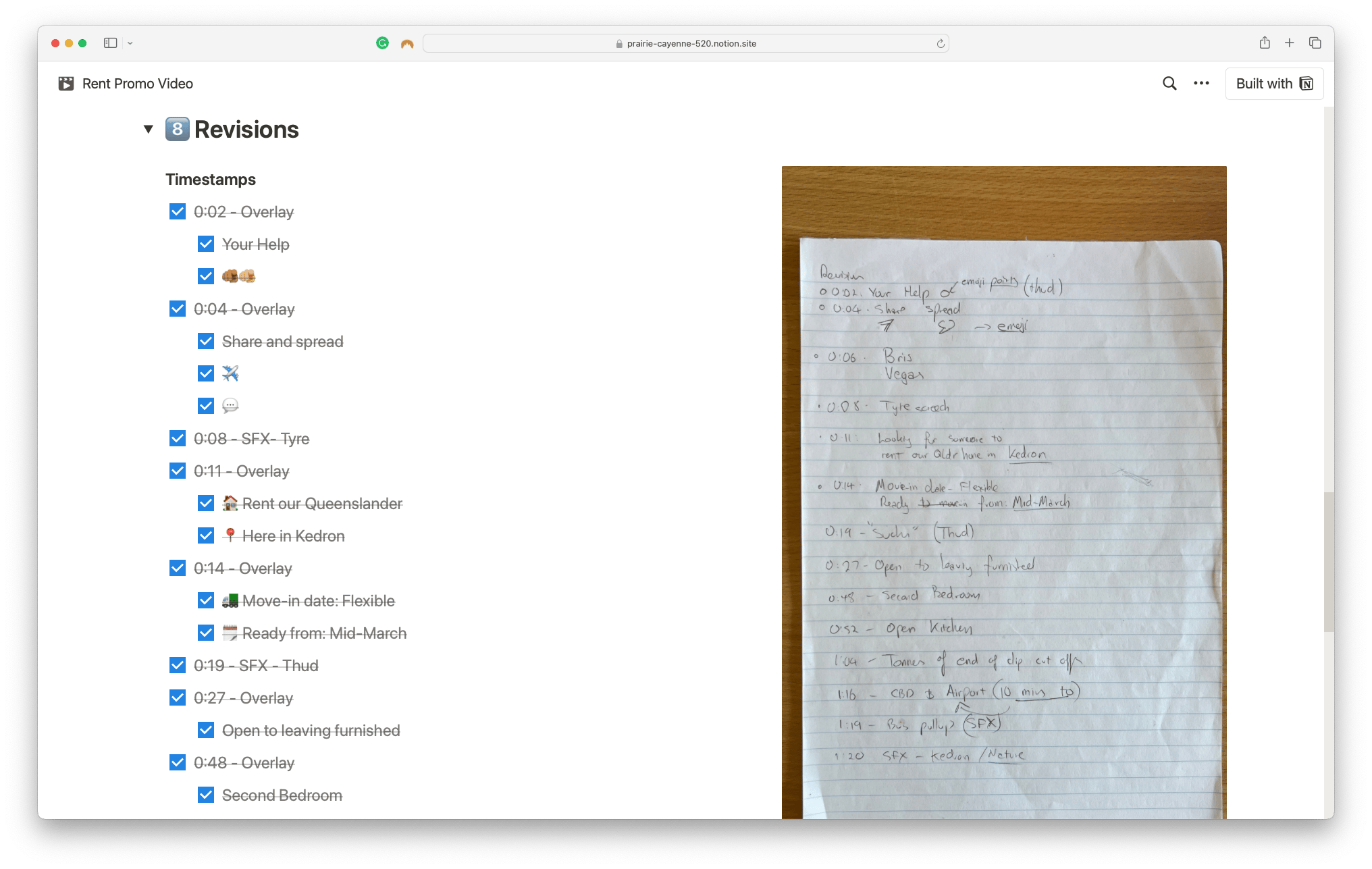
Re-watch the video with fresh eyes (or get your partner, friend or housemate to watch it) and take timestamped notes of sections you can improve, or amend.
Then, revisit the video and work through each of the revisions, ticking them off as you complete them.
Once you're done - hit export!
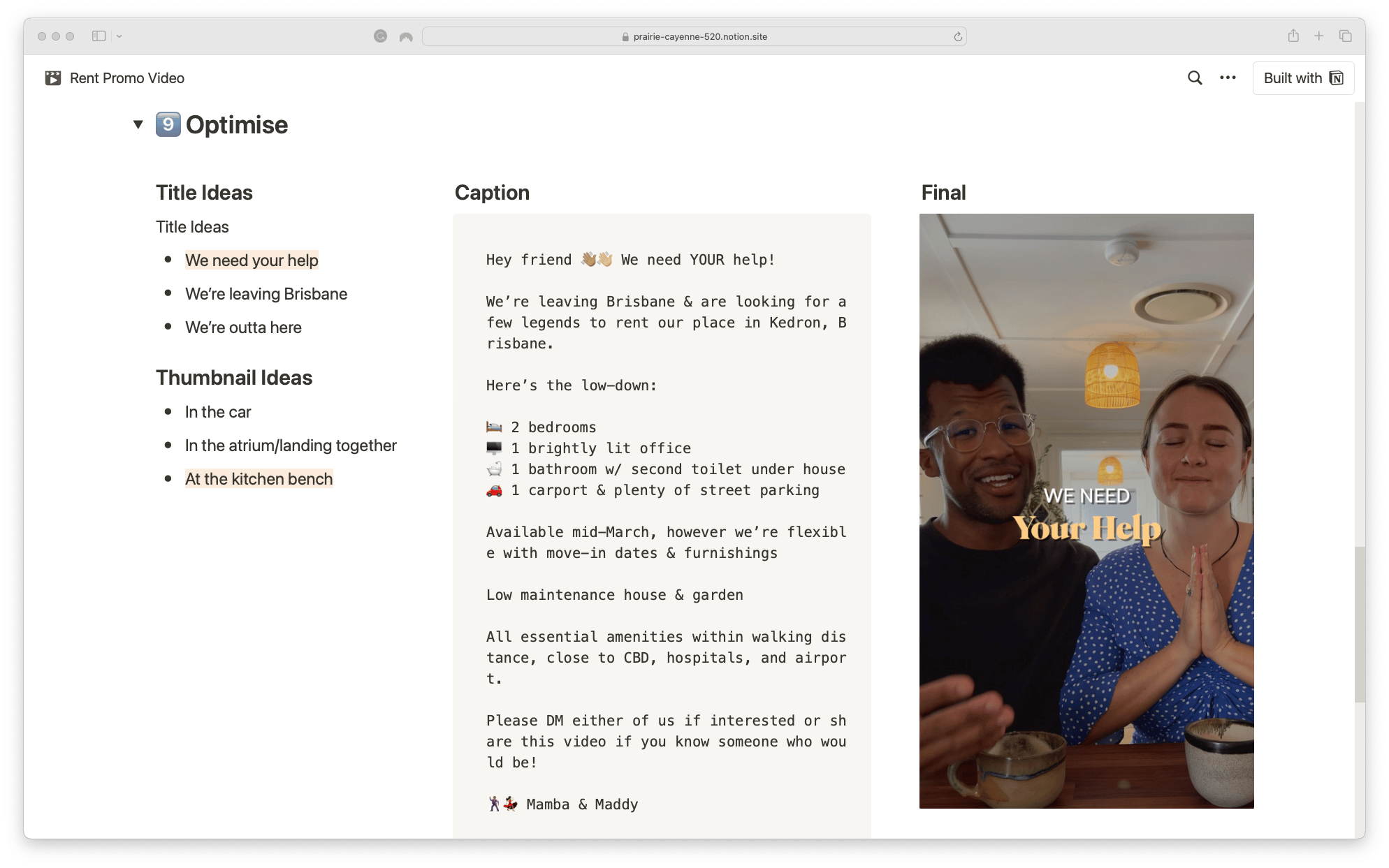
Optimise
Finally, it's time to give your content a polish so it's ready to share online!
I recommend brainstorming 3 titles and 3 thumbnail frames (or creating 3 sketches) and shortlisting the ones that'll resonate most with your audience, key message and/or purpose of your content.
And that's it!
I hope this guide helps you approach your video content creation with a more methodical and consistent approach.
If you'd like a free copy of my video content creation template in Notion, give the button below a tickle:
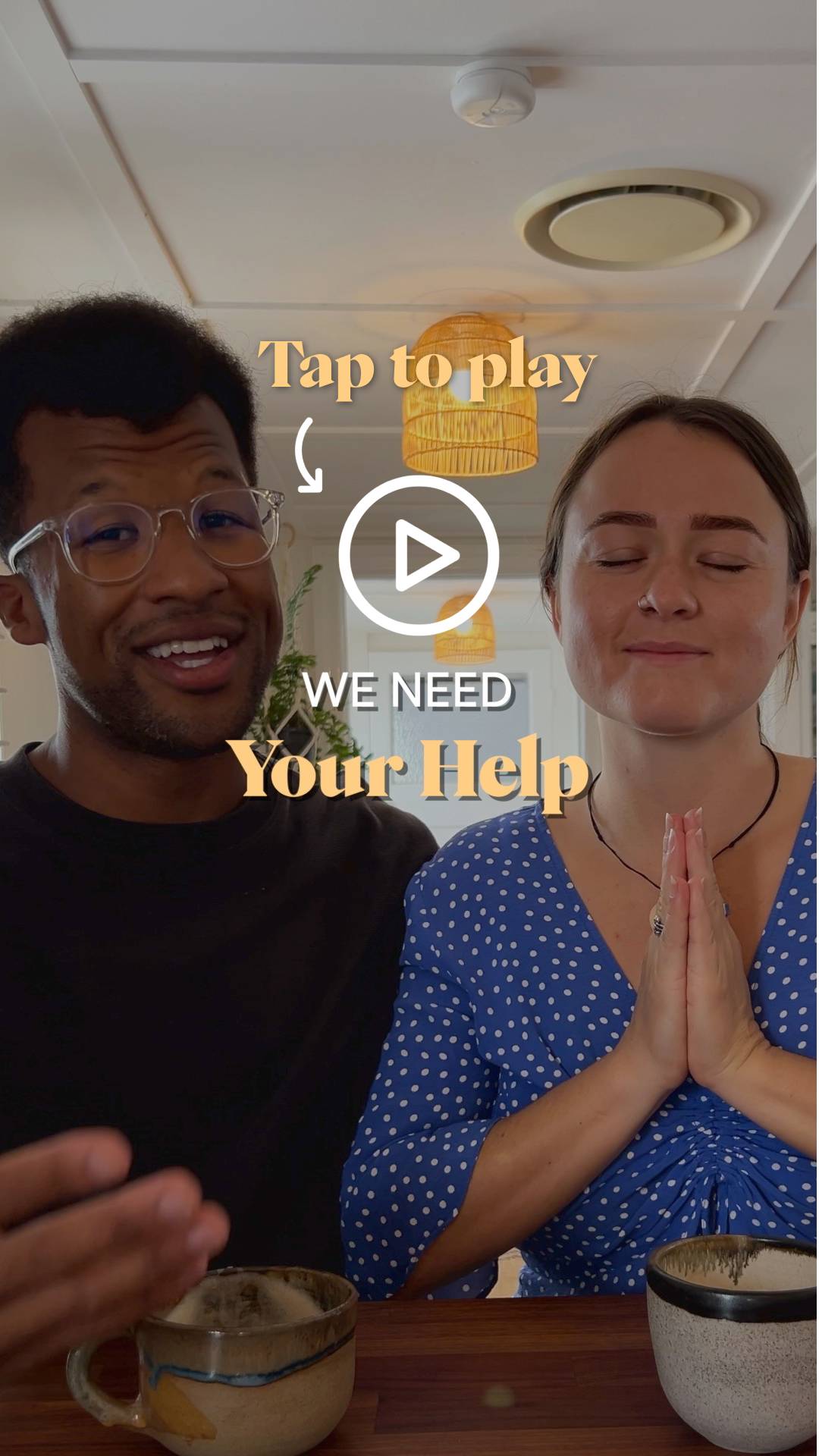
And if you're keen to see how the final video turned out:
Mamba