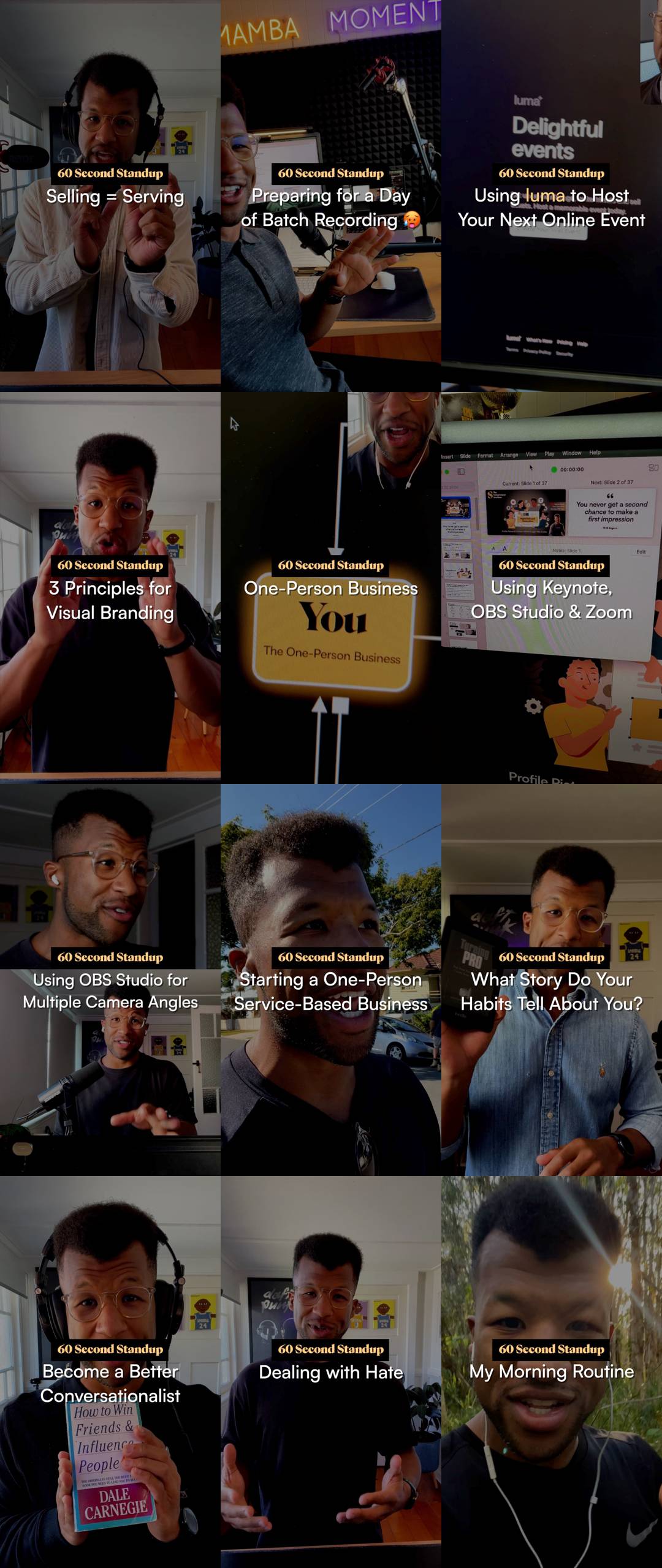
In case we're not connected on Instagram, I've been experimenting with an ongoing video series called "60 Second Standups" that shares quick, off-the-cuff content.
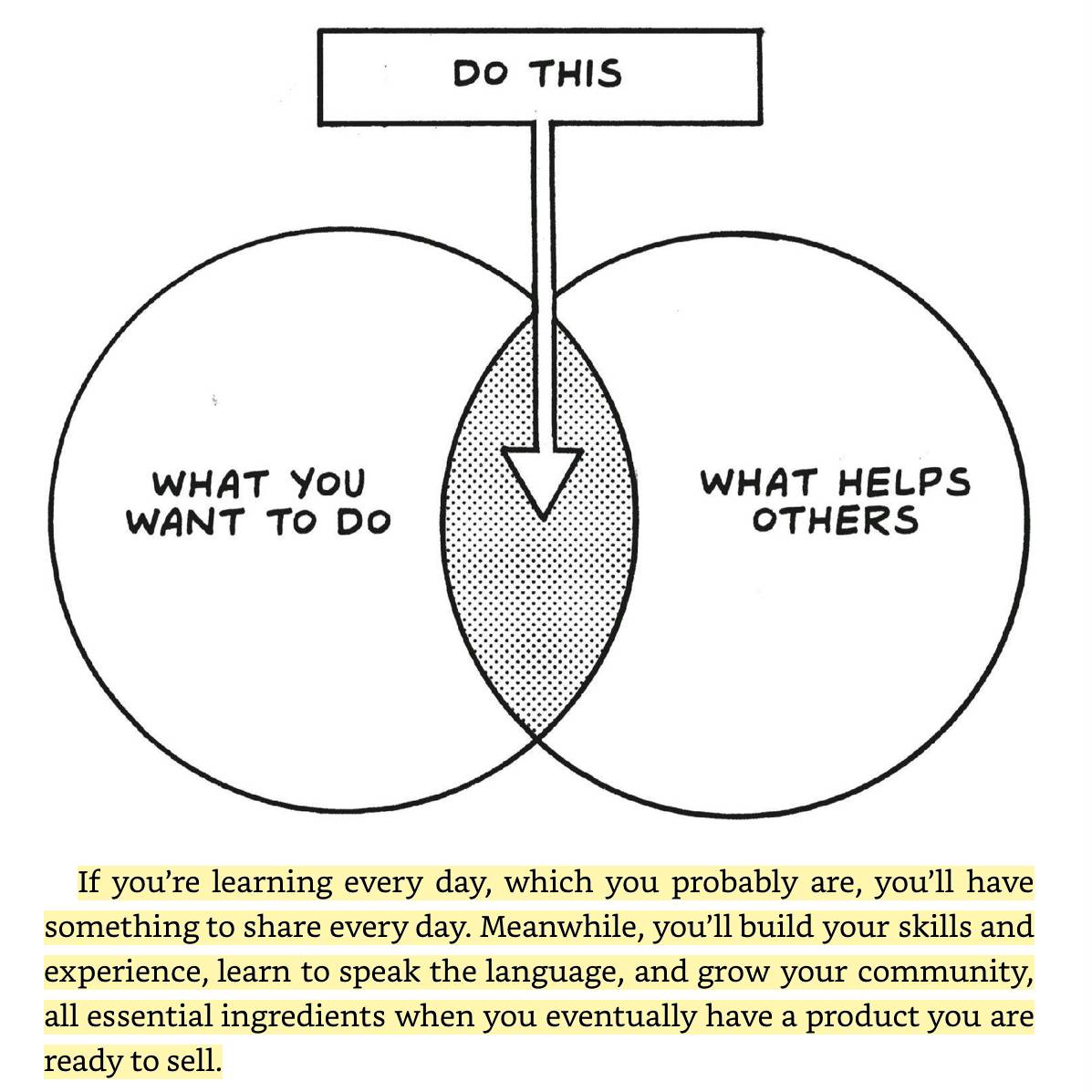
This was inspired by an excerpt from The Minimalist Entrepreneur about growing your digital community by educating and engaging them with valuable content. Nathan Barry, the founder of ConvertKit, has three signs hanging in his office:
• "Work in Public"
• "Teach Everything You Know"
• "Create Every Day"
✍🏻 Sahil Lavignia, The Minimalist Entrepreneur
I took this idea and started sharing quick videos that are a recap of:
- A challenge I've just overcome
- Something I've learned or realised, or
- A takeaway from a chat with a client or community member.
Find Your Intersection
In doing so, I've found a format of content that genuinely embodies what I want to do: sharing non-scripted educational spiels where I'm talking to camera with complimentary visual cues.
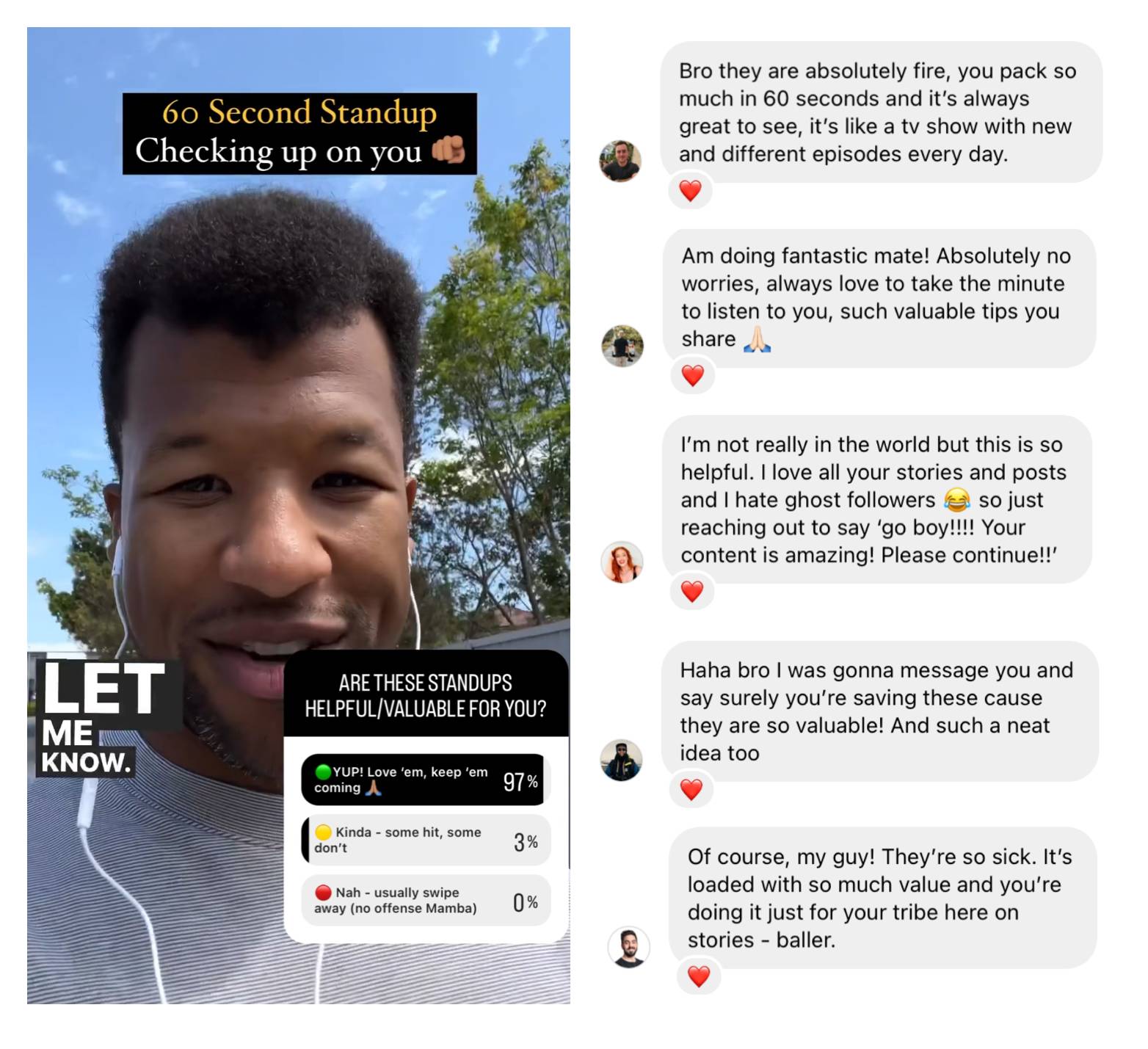
And it's been helping those in my audience.
Show, Don't Just Tell
I'm a big believer in incremental and consistent improvements. One of those improvements came from learning to record my videos using a 'Picture In Picture' format.
Basically, this format lets you utilise your smartphone's front and rear-facing cameras simultaneously.
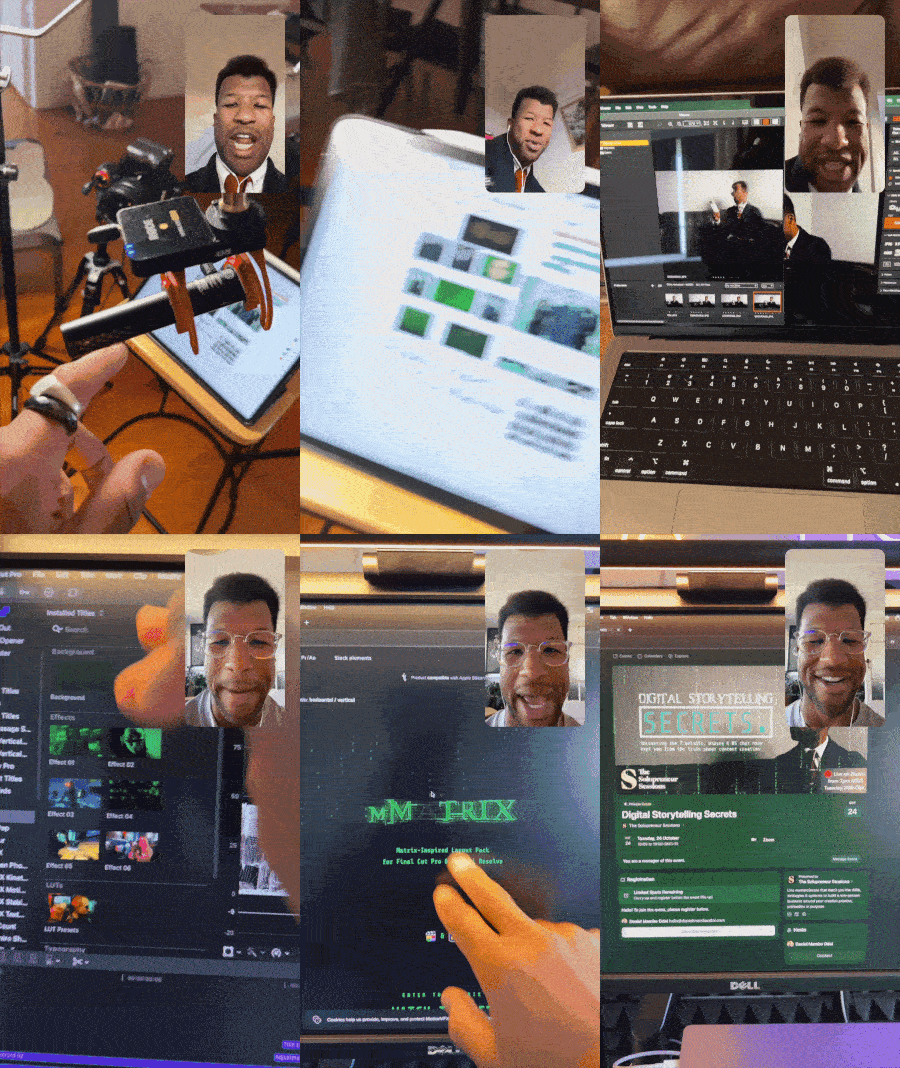
This is a powerful way of reinforcing your message by visually showing (not just telling) what you're sharing with your audience.
Research backs this up — visual learning (i.e. video/images) outperforms auditory learning (i.e. voiceover/spoken) when it comes to memory retention (Lindner. K, Blosser. Greta & Cunigan. Kris, 2009).
But if both forms work together, then combining them creates a stronger impact.

Recommended Apps for Picture in Picture
Depending on which smartphone type you have, here are my recommended apps (both free) for creating 'Picture In Picture' tutorials, explainers or general updates with your audience:
📱 iOS
🔗 Download the free RØDE Capture app from the App Store.
Sidenote: if you use (compatible) RØDE microphones, this works perfectly with them!
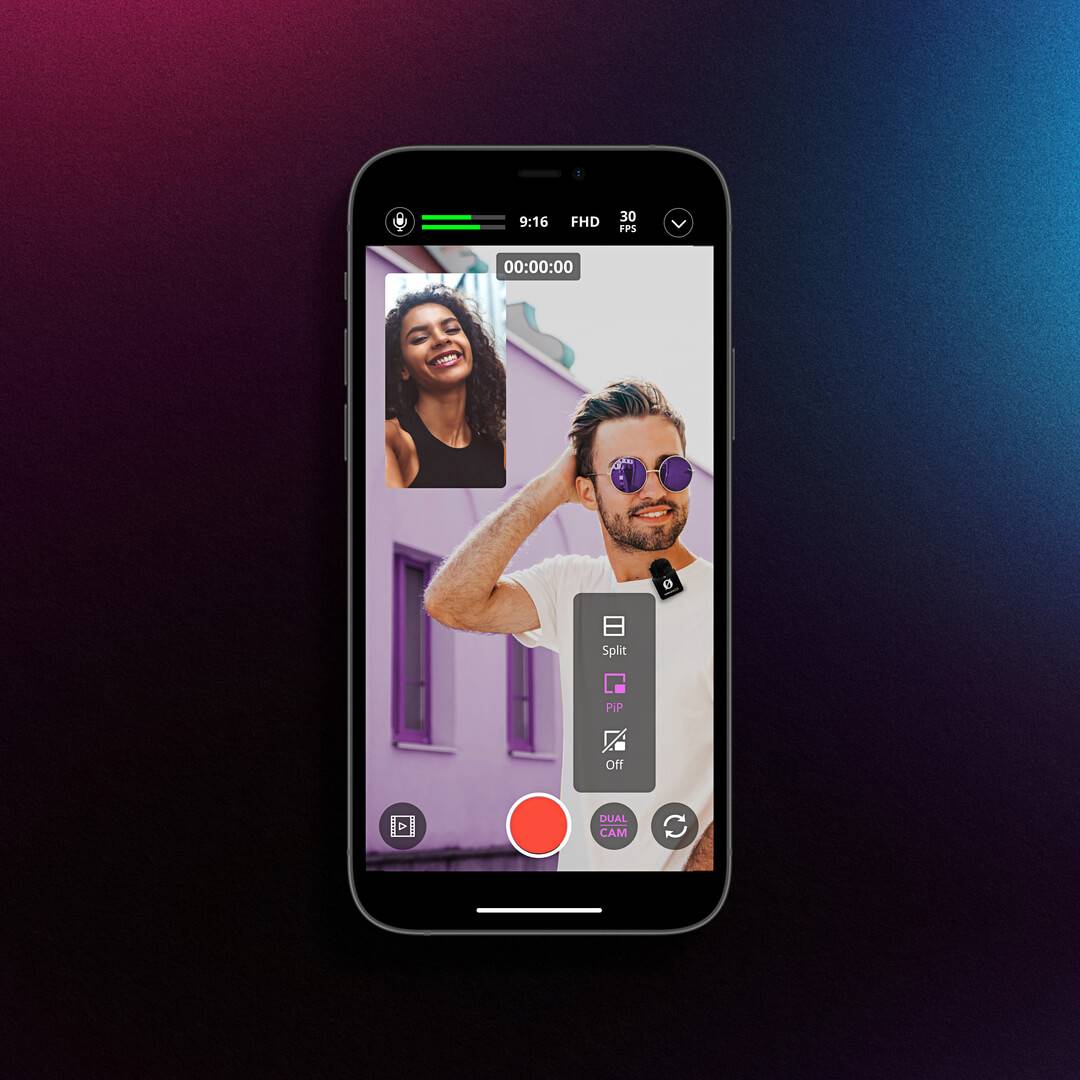
🔗 Learn more about RØDE Capture
🤖 Android
🔗 Download the free Dual Camera Record app from Google Play.
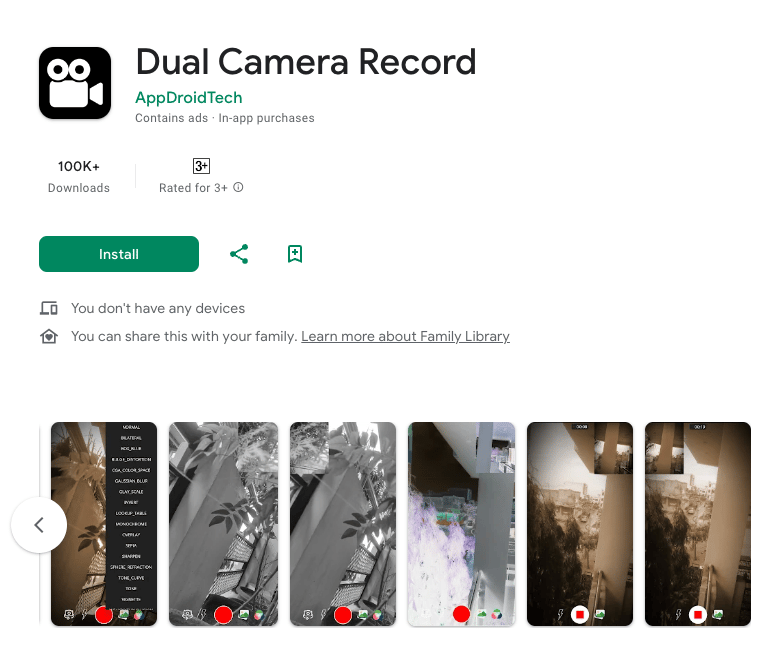
🔗 Learn more about the Dual Camera Record app
If you've started using these apps, let me know how you and your audience find the new format!