Have you been thinking about starting your email newsletter for your personal or business brand?
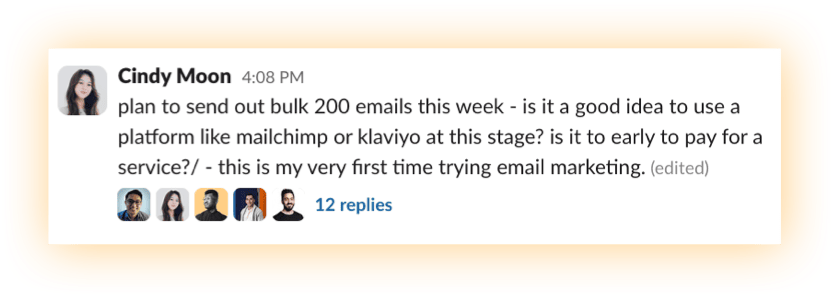
Or you've already got an email but you don't know which platform to get started with?
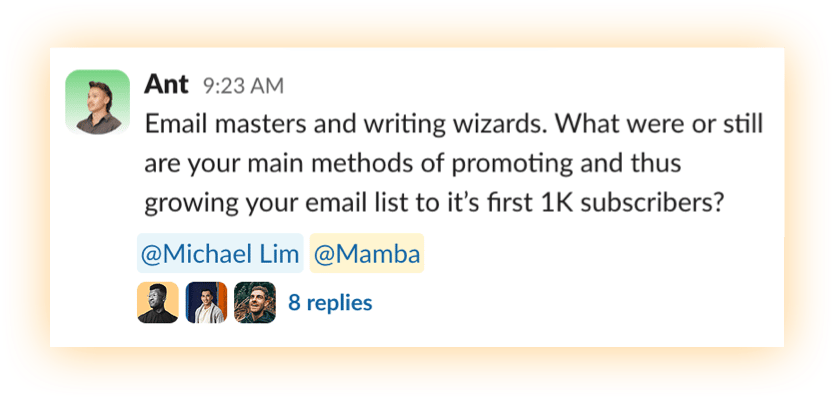
Or perhaps you've already launched, but you're unsure how to continually grow your email list?
Or maybe you think there's zero value in building an email list.
"I mean, who reads emails nowadays anyway? What's the point of having an email newsletter?"
That was me, just a few years ago. Then one event changed everything.
A Hacked IG Account (Not Mine)
In October 2022, I received a new "follow" from a fellow creator called Connor Newell based in the United States. We had previously connected on Instagram before as part of a creator program, so I was confused why he was following me from a new account.
Then I saw the first video post on his new account.
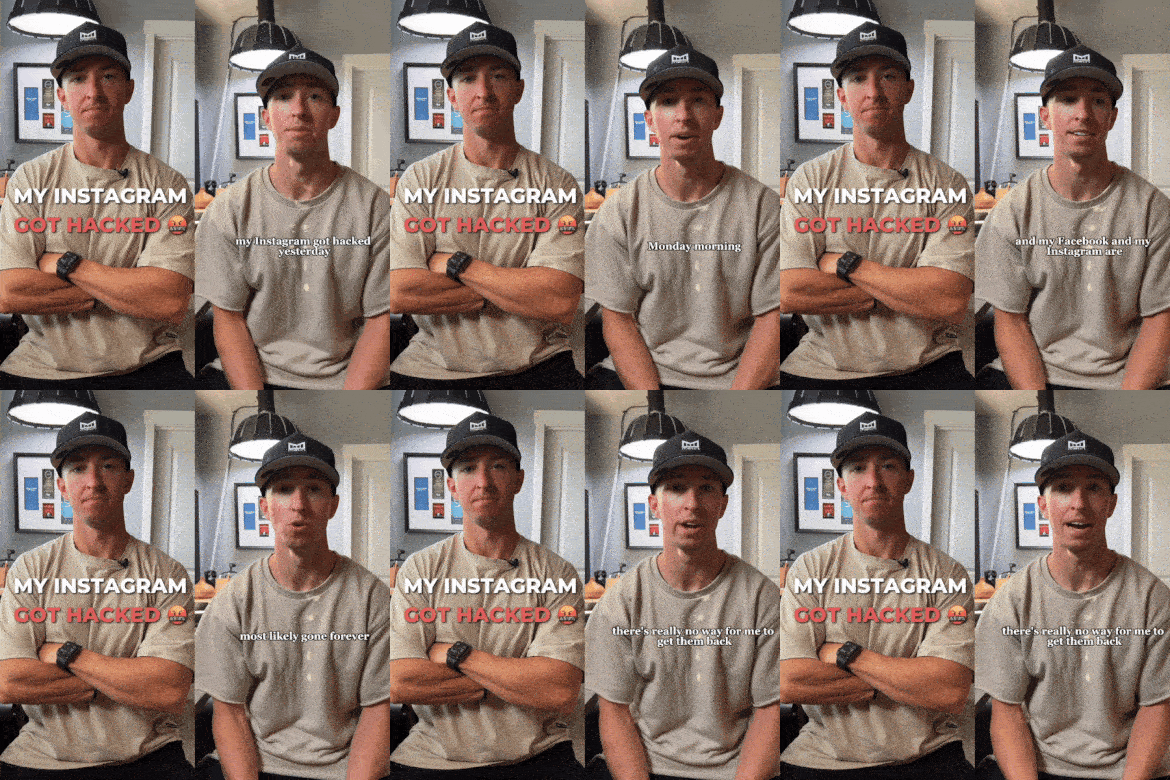
Just like that, his account was gone.
Ten years' worth of content and followers. Plus all of the momentum and traffic driving his business. Despite his best attempts to recover it with the Meta support team, it was obvious to him that he had a better chance of winning the lottery than recovering his Instagram account.
However, on a brighter note: as Connor's a certified weapon when it comes to content, he's been able to take his brand new Instagram account from 0 to ~5k followers.
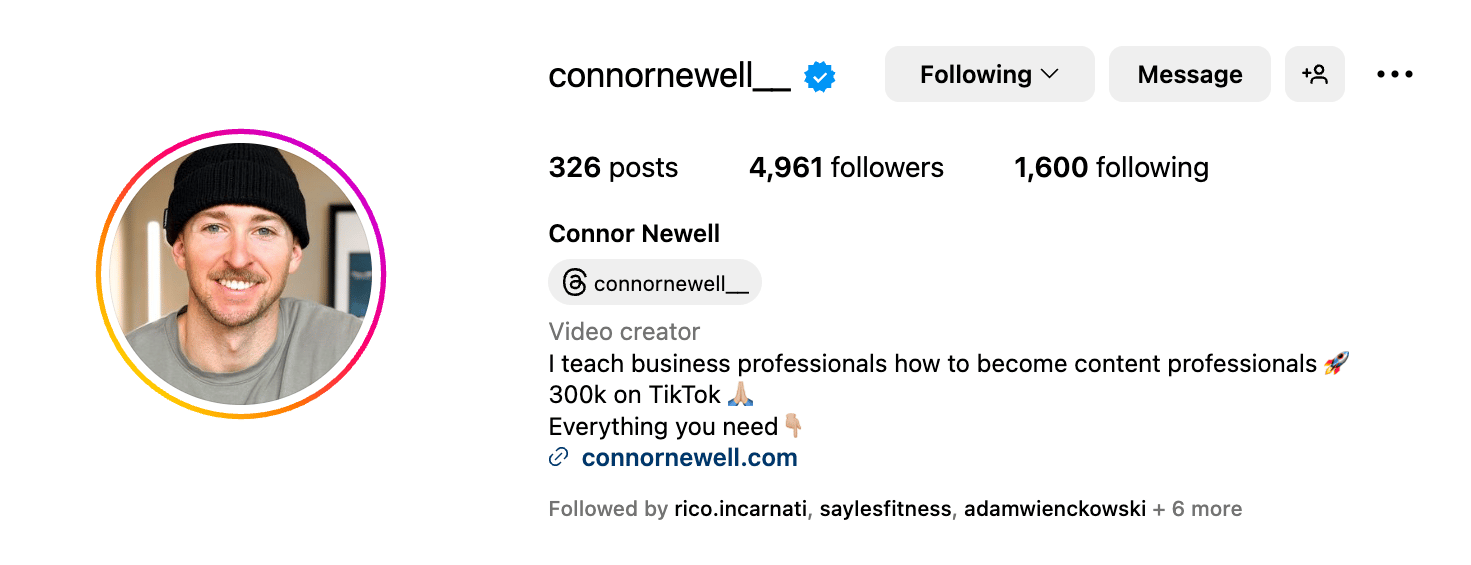
The reason I share this story is because it suddenly made me realize that if it could happen to him, it could happen to anyone.
So whether you're:
- hacked like Connor
- lose login access to your account, or
- get indefinitely banned from the social media platform
You'd have to start from zero.
Unless you have your own email list.
In an age where something like:
- the wrong keyword in your caption
- a controversial statement in your podcast, or
- a complaint about your video topics
...can lead to you losing access to your account and audience, starting your email newsletter is one of the smartest moves you can make to insure yourself against it happening.
Let's get started.
Step 1: Purchase Your Own Domain
You might be thinking: "Why do I need my own domain to send email? Can't I just use my @gmail address?"
Simply put—providers such as Gmail or Yahoo can issue a block whenever you "bulk" send emails to lots of recipients. While this may not be a problem for your first 5-10 subscribers, this becomes a big issue when your email list grows to 50, 100, 500, 1000 or more.
All marketing emails should be sent from a domain you own, not from a personal account at a provider domain like @gmail, @hotmail, or @yahoo.
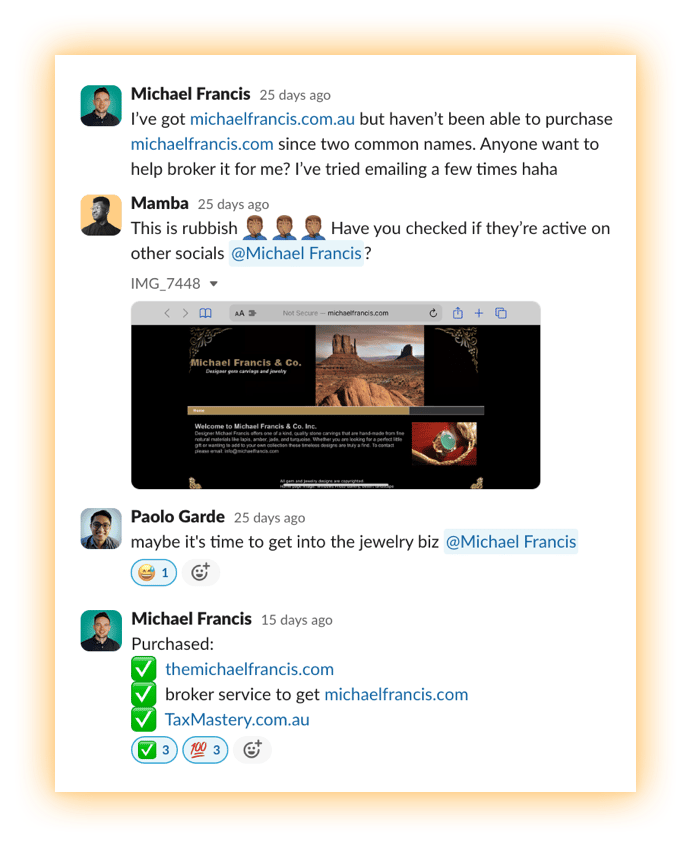
Aside from that, I also believe that in a digital-first future, one of the best investments you can make is purchasing your full name as a website domain (".com", ".com.au", ".co.nz" or ".co" if it's available). This will future-proof your personal brand and avoid the same dilemma that Michael Francis faced when he realized someone with the same first and last name had already purchased his ".com" domain.
To buy your own domain, it'll typically cost between $10-$20 per year.
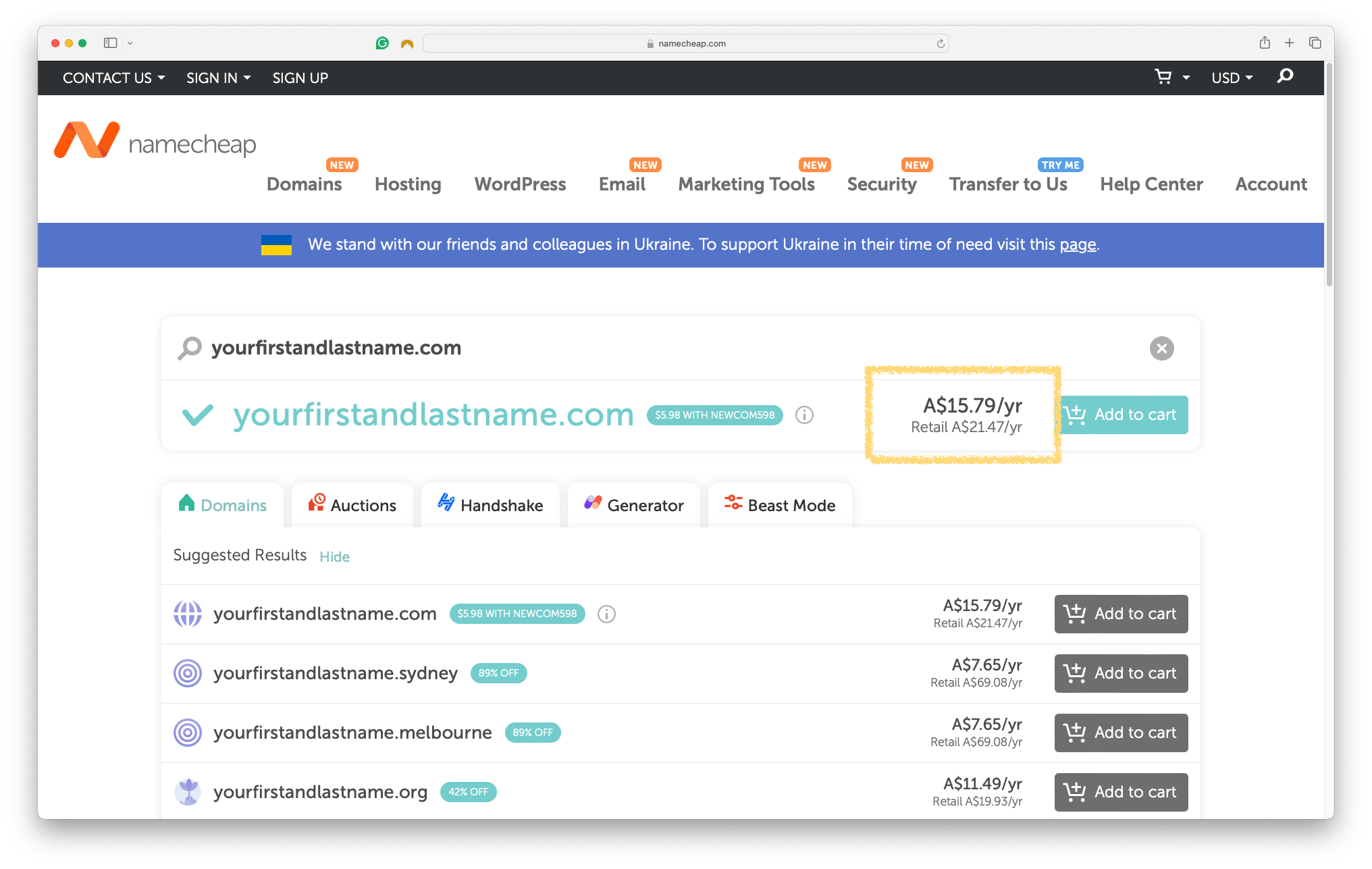
To search available domains and purchase them, you can go to:
- Namecheap (what I use and recommend)
- Squarespace Domains
- GoDaddy
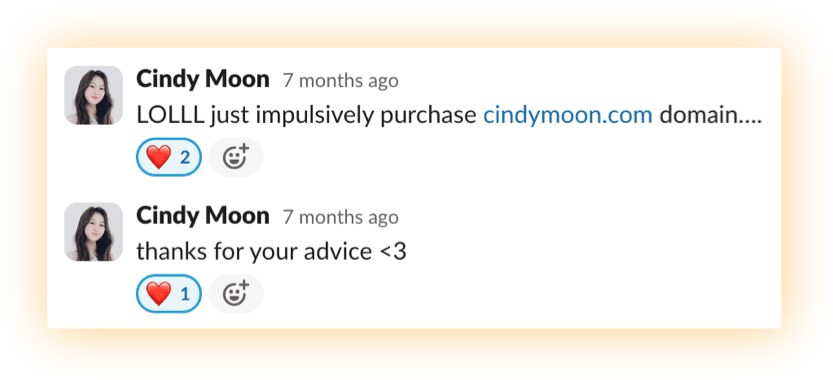
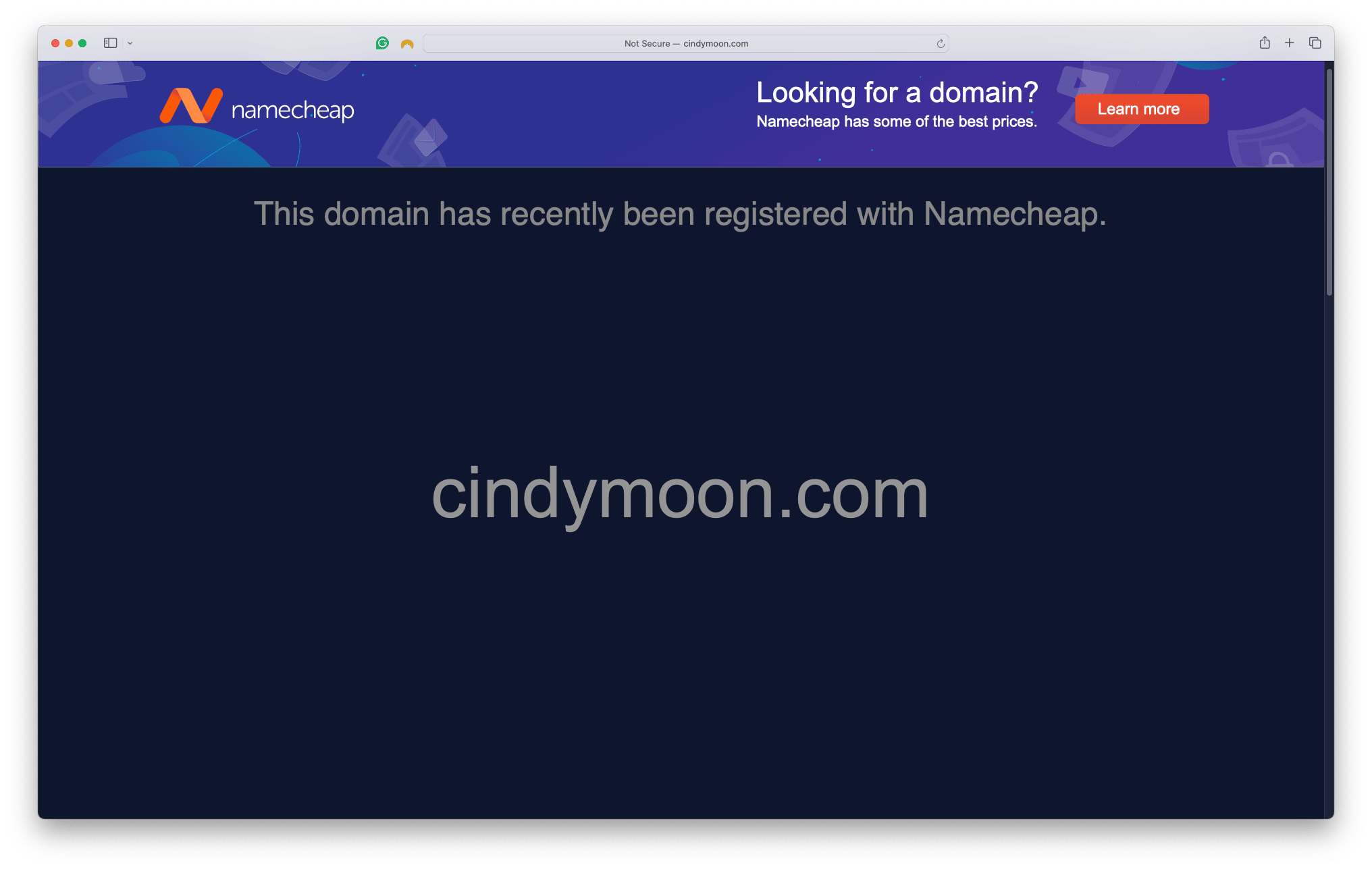
Note: you don't need to build a website yet. We've just set ourselves up for the next step.
Step 2: Set Up an Email Alias
Your alias is simply the email address name that precedes the @yourdomain.com, such as:
- hello@yourname.com
- mamba@creatorswithcharisma.com
- support@yourbusinessname.com
Depending on which domain provider you purchased your domain from, navigate to the settings menu of your domain and find the setting relating to "Email" or "Redirect Email."
This feature allows any emails sent to your alias to be forwarded (redirected) to your personal email address.
Here's what it looks like for Namecheap:
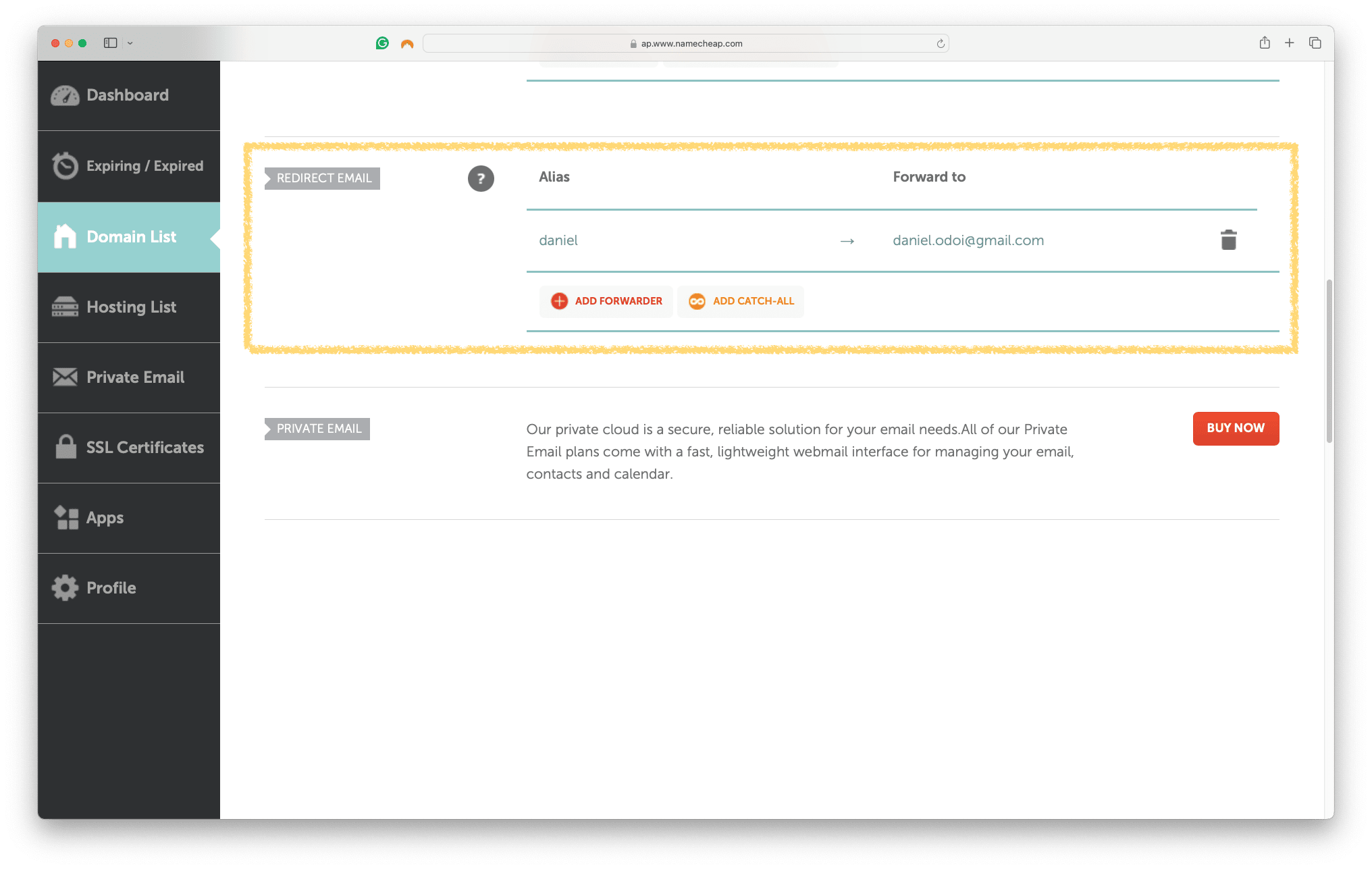
So if you want to create an alias that is your first name and redirects emails to your personal/private email address, this is how:
Name: firstname
Email Alias: firstname@yourdomain.com
Forward to: yourpersonalemail@gmail.com (the one you're probably reading this from)
Now, let's select the email platform you'll be using to collect email addresses and send your newsletter.
Step 3: Select Your Email Platform
This is where a lot of folks overthink it and get overwhelmed.
There are a lot of options out there such as Klaviyo, Beehiiv, Substack, MailerLite, Mailchimp, ActiveCampaign and the list goes on.
If you want to cut the research time and just get started with one of the best beginner-friendly platforms, hear it from Michael Lim, someone who's grown his email newsletter list to +2.6k subscribers.
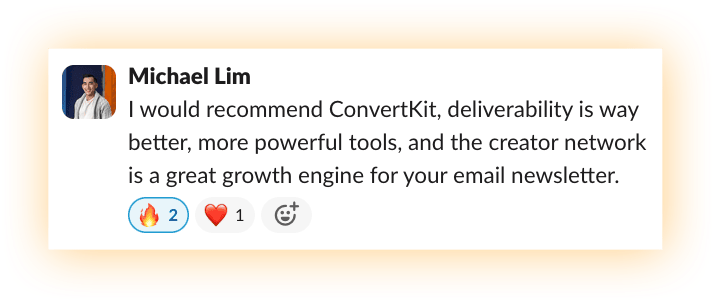
To everyone starting their email newsletter, he recommends getting started with ConvertKit.
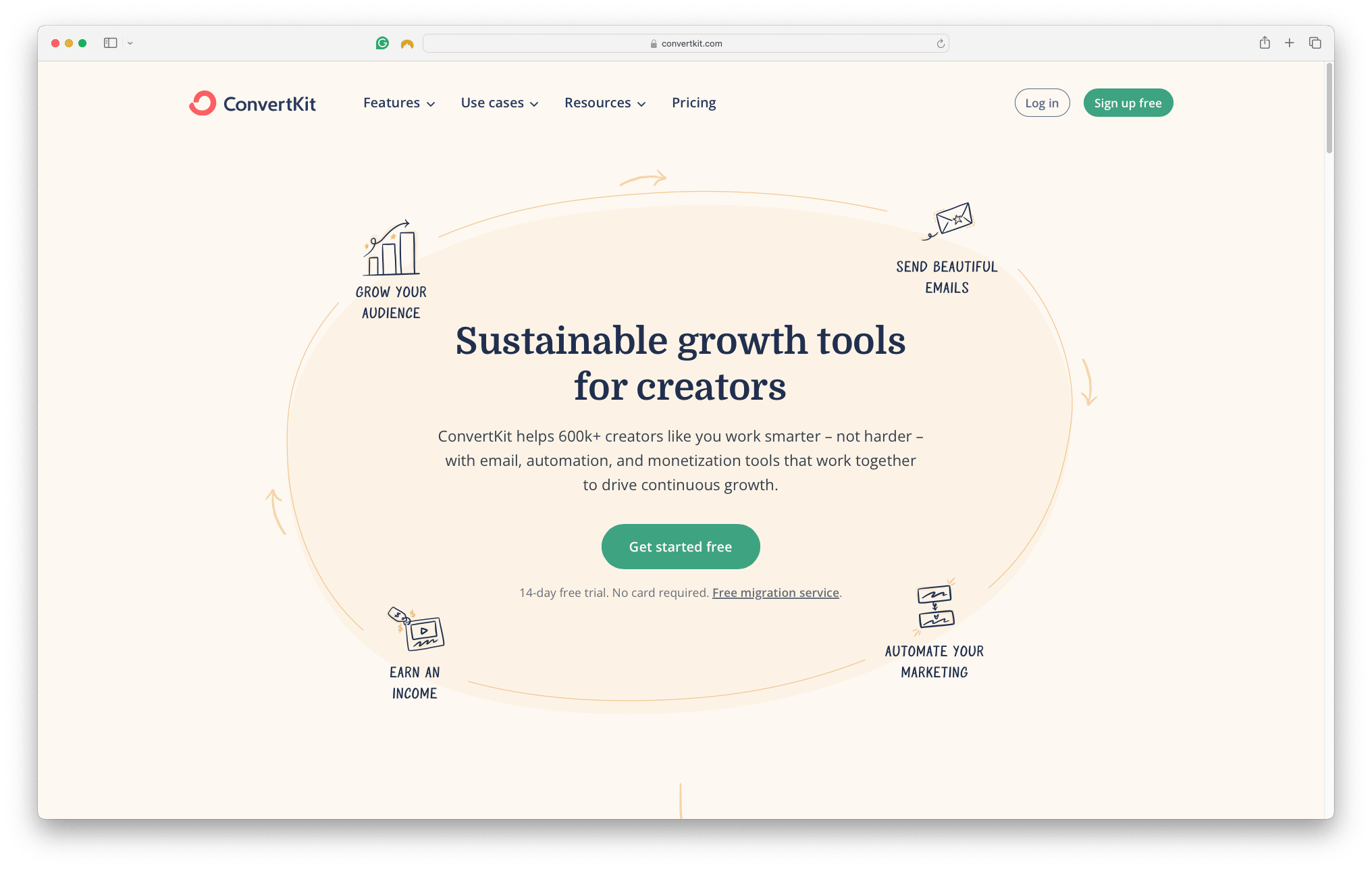
Full disclosure: I also use ConvertKit for this newsletter.
As a digital marketer for over 10 years who has tried and switched among them all, I 100% vouch for it for these reasons:
- Affordable: Free to use for up to 1000 subscribers
- Beginner Friendly: Easy to get started with lots of resources
- No-BS Analytics: The breakdown of subscriber data is brilliant
- Deliverability: One of the best email platforms for ensuring your emails land in the inbox (not spam) of your subscribers
- Features: If you're ready to grow, there are tons of useful features to accelerate your growth
Of course, you're welcome to pick whatever email platform you prefer, as long as it suits your budget, skill level and preference.
Now that you've created a new account with your selected email platform, it's time to verify your "sending" email.
Step 4: Verify Your Sending Email
To bulk send emails on behalf of your email alias, your selected email platform needs to "verify" that you own the email address.
This is why we set up an email redirect in Step 2!
Navigate to the section of your email platform's settings called "Email Addresses."
Then plug in the name and email alias you'd like the email to be sent from. For this example, I'll refer to my ConvertKit dashboard:
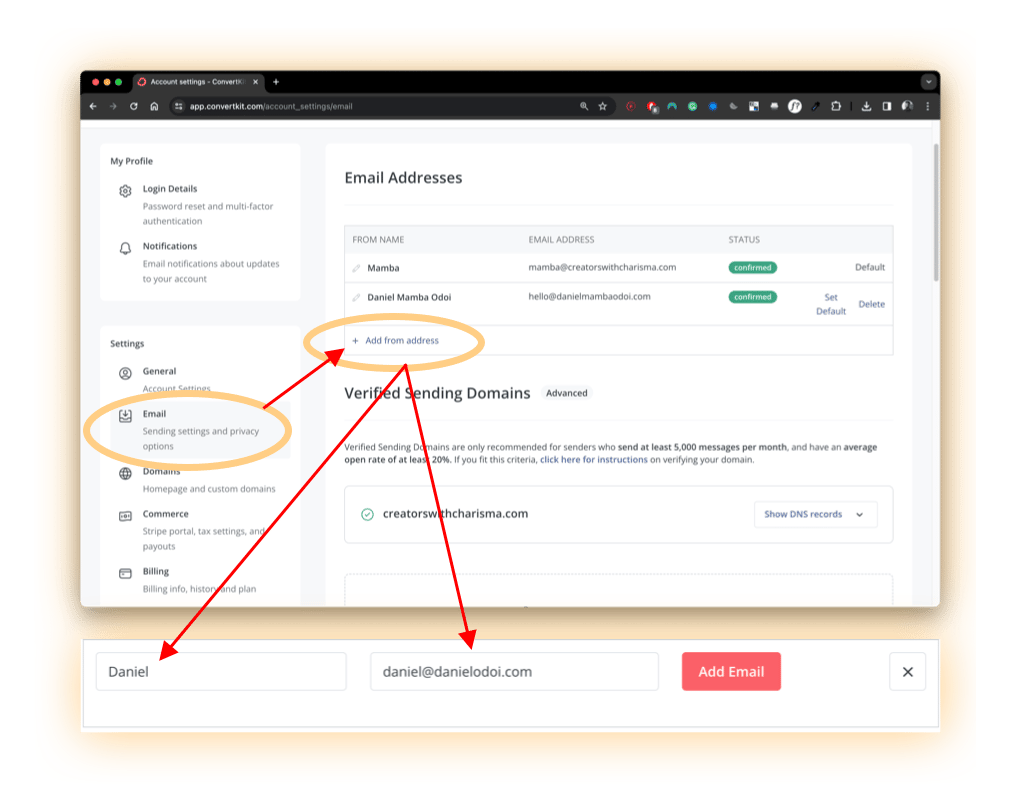
Then you'll get a verification email that'll first be sent to your email alias, and then shortly afterwards be redirected to your personal email inbox.
Click on "Verify Your Email" and you're done!
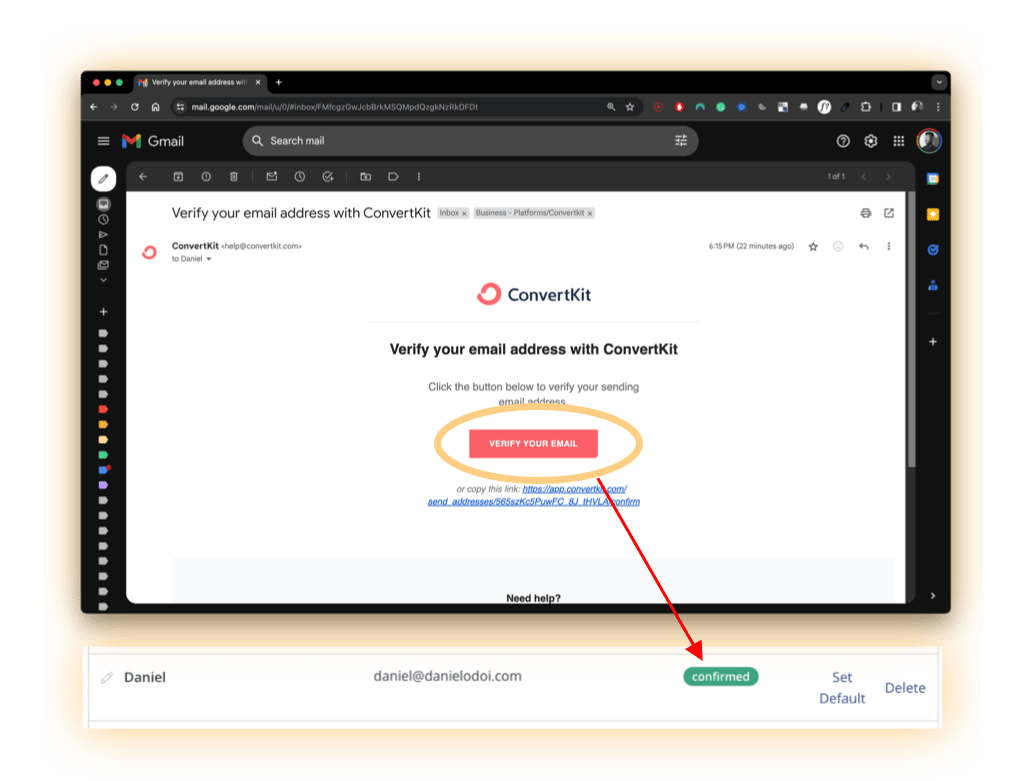
Now you're ready to start sending emails to your subscribers—but first, let's get you some subscribers.
Step 5: Create a Freebie (Lead Magnet)
Here's the harsh truth: 99.9% of people don't want to sign up for your newsletter.
But 99.9% of people love receiving things for free.
So create a freebie. This is a relevant, valuable and/or actionable resource (sometimes referred to as a "lead magnet") as an incentive in exchange for their email address.
Because this is one of the most powerful and proven ways to consistently grow your list of email subscribers, even if you're not writing a weekly newsletter.
Here are some potential ideas for valuable freebies you could create:
- A free eBook
- A printable
- A digital checklist
- A free trial or demo
- An exclusive discount code
- A free webinar or online course
- A quiz or assessment questionnaire
- A free template (Notion)
- A case study
- A free consultation
Note: even though these are free, that doesn't mean they should be crappy.
You don't get a second chance at making a first impression.
So remember—pack so much value into it that it makes them go: "How the heck did I get this for free?!"
This is an opportunity to wow your audience, build trust and increase the likelihood of them seeing what else you have to offer in the future (your newsletter, products or services).
Then build a simple opt-in page where your audience can provide their email to receive your freebie.
Here's what to include:
- Clear headline that communicates the value of the freebie
- Brief description and benefits of the freebie
- Image or graphic that illustrates the freebie
- Form for contact info exchange
- Call-to-action button to submit info
- Trust indicators (testimonials, social proof)
- Optional: additional info or resources for context/interest
Option 1: ConvertKit
If you've opted for ConvertKit, they offer a suite of free, well-designed and mobile-friendly templates that you can use. Here's an example of a valuable freebie hosted on ConvertKit from Aaron Barnes.
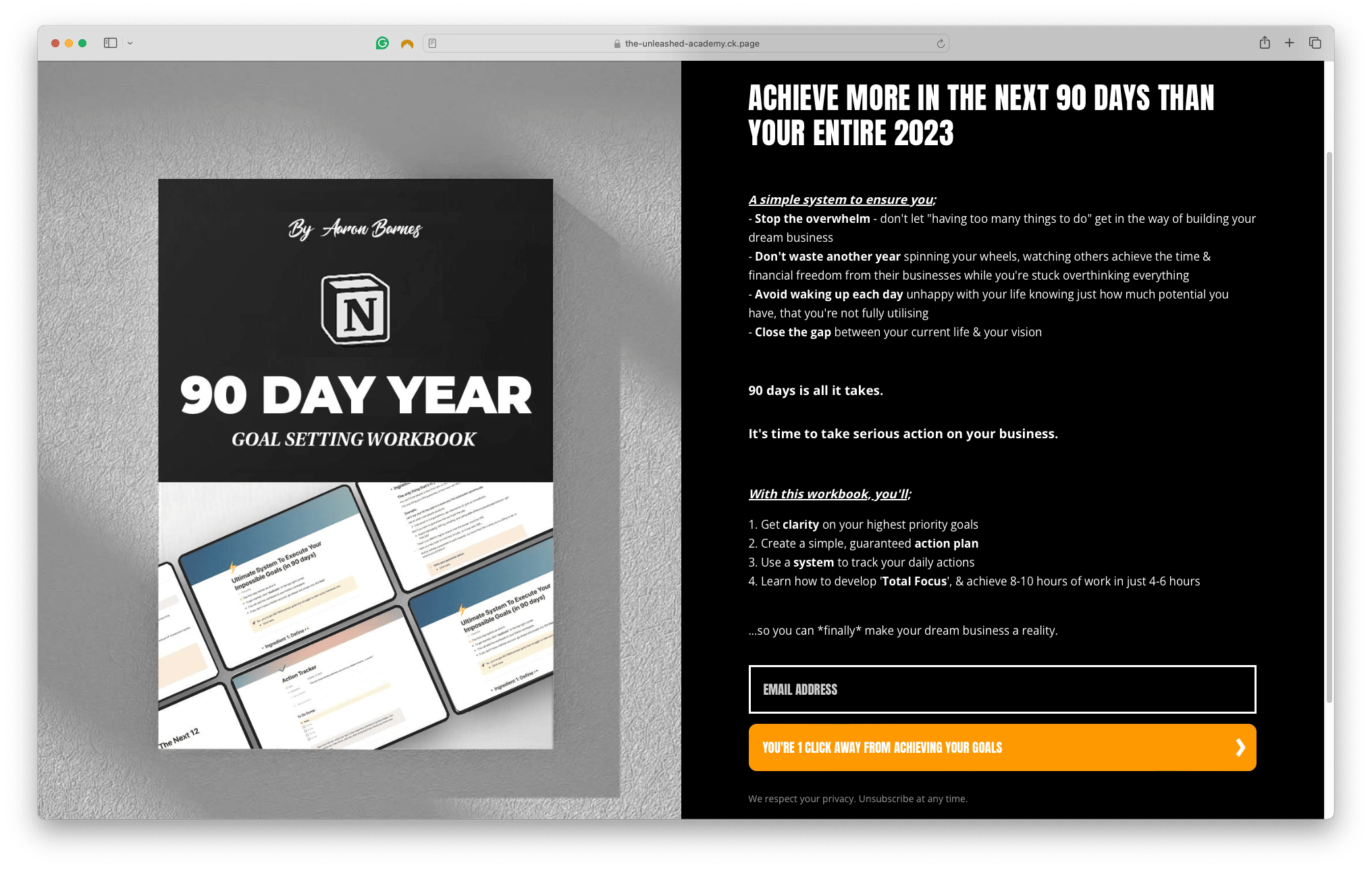
Option 2: Gumroad
Alternatively, Gumroad is a fantastic platform to host your freebies and collect email addresses (though it does take a cut if you charge for your products).
Here's an example of a valuable freebie from Antonie 'Ant' Ng.
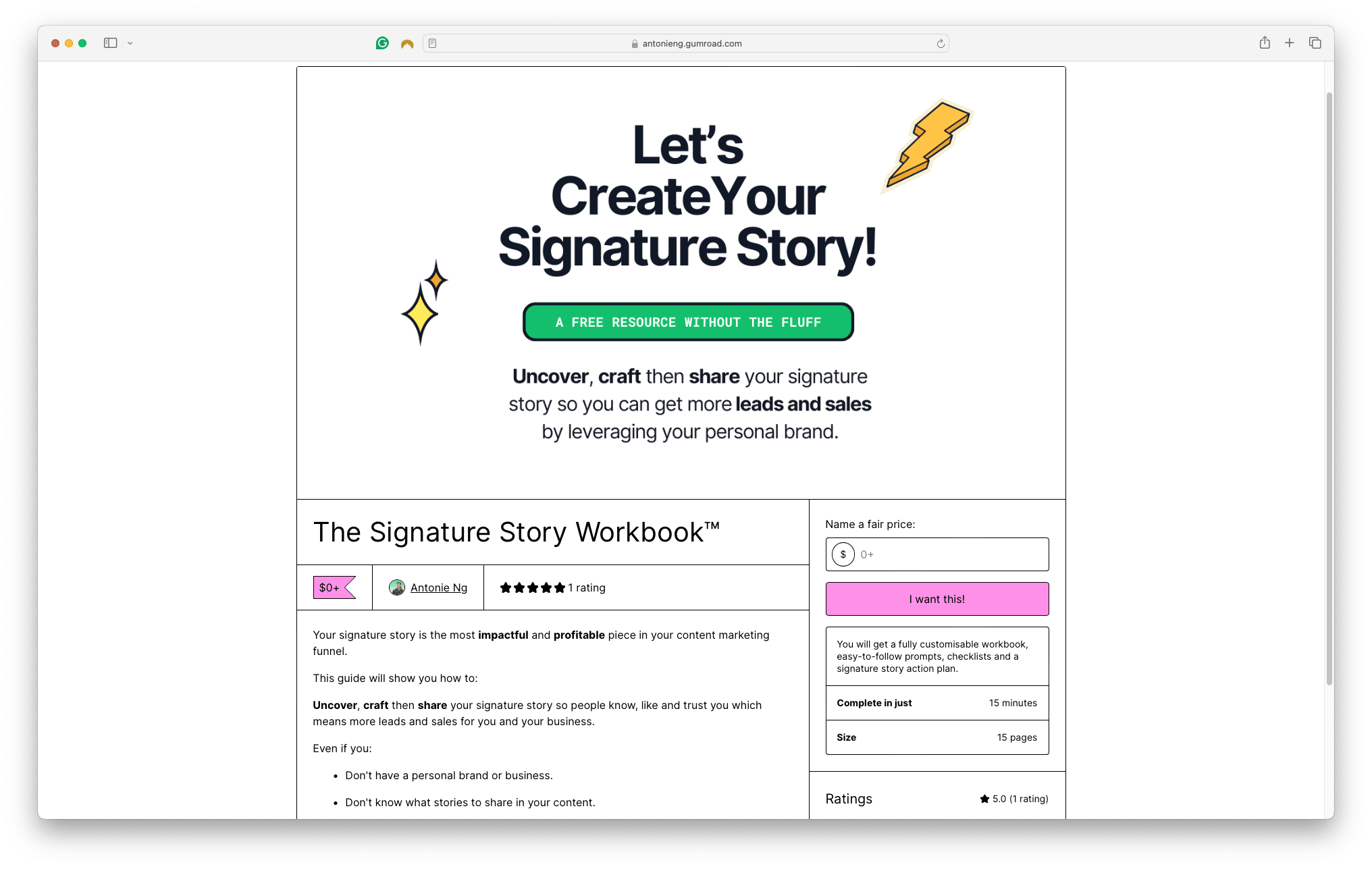
Option 3: Your Website
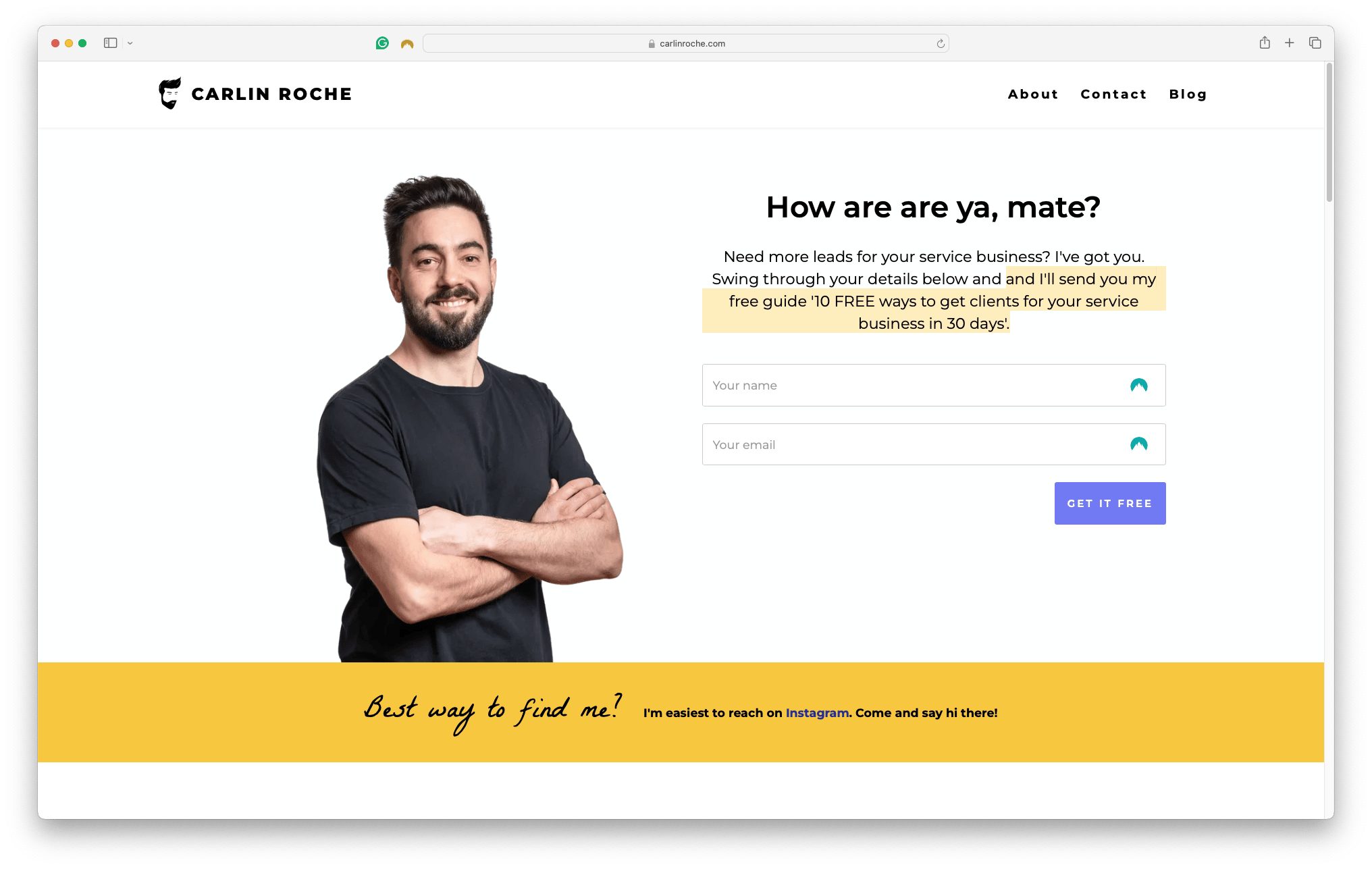
If you're ultra savvy and have built your website, you can offer your freebie on the home page.
Here's an example of a valuable freebie hosted on the home page of Carlin Roche's website.
Now that you've got an irresistible freebie that your audience will happily provide their email for, it's time to spread the news.
Step 6: Start Promoting It
When you're starting, you need to be heavily promoting your stuff because no one else is going to do it for you.
Anywhere you have a digital channel, talk about it, link it and plug it shamelessly.
And if you feel uncomfortable promoting your freebie, then it's probably not valuable.
Think about it: If you made a resource with information that's positively changed your life and you know it could do the same for others, then don't you have an obligation to get it into the hands of as many people who could benefit from it as possible?
In Michael Lim's case, he learned how to break limiting beliefs and push past insecurities about promoting his freebies across his socials, which he credits to contributing to his growth in email subscribers.
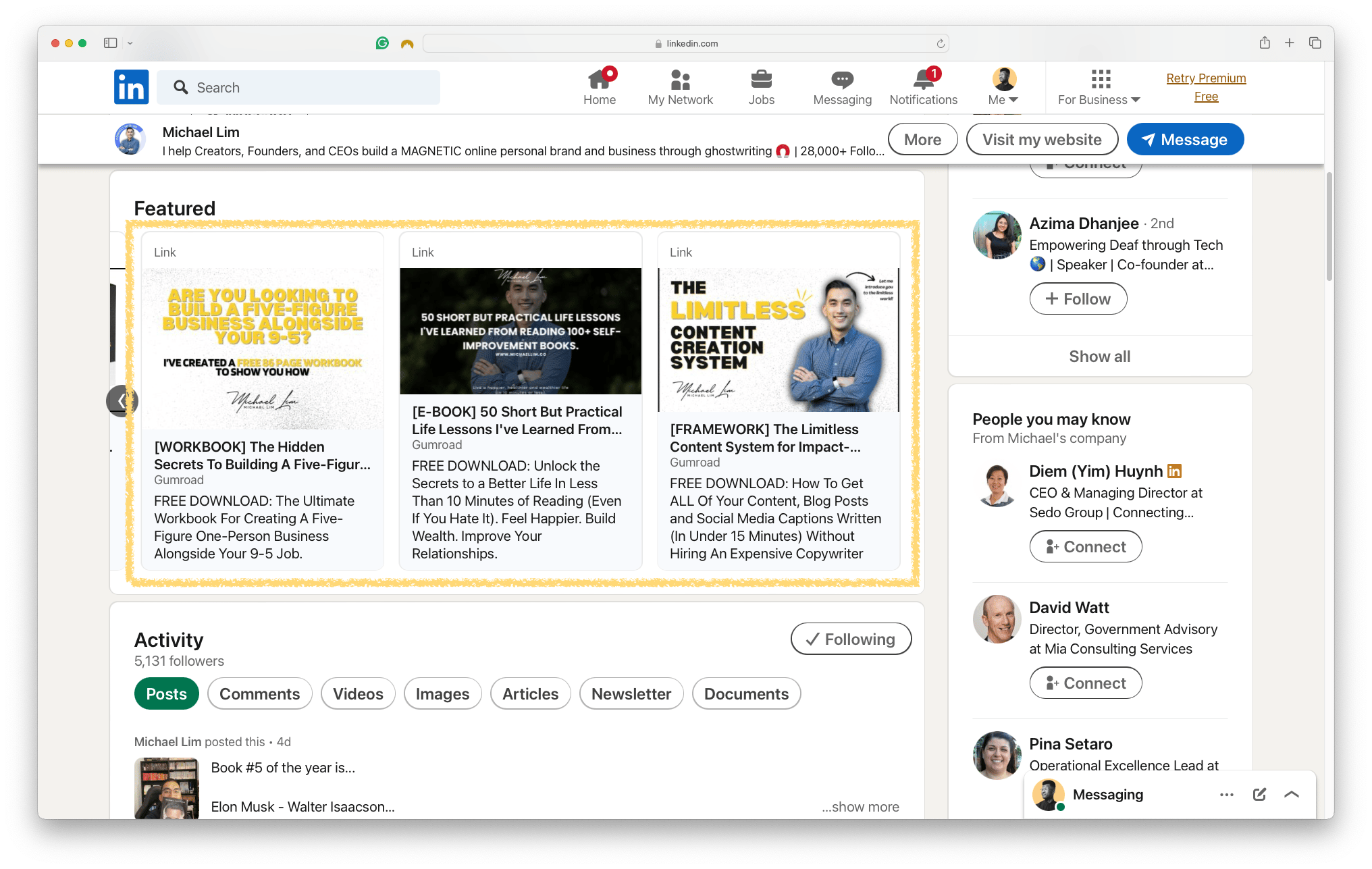 On his LinkedIn
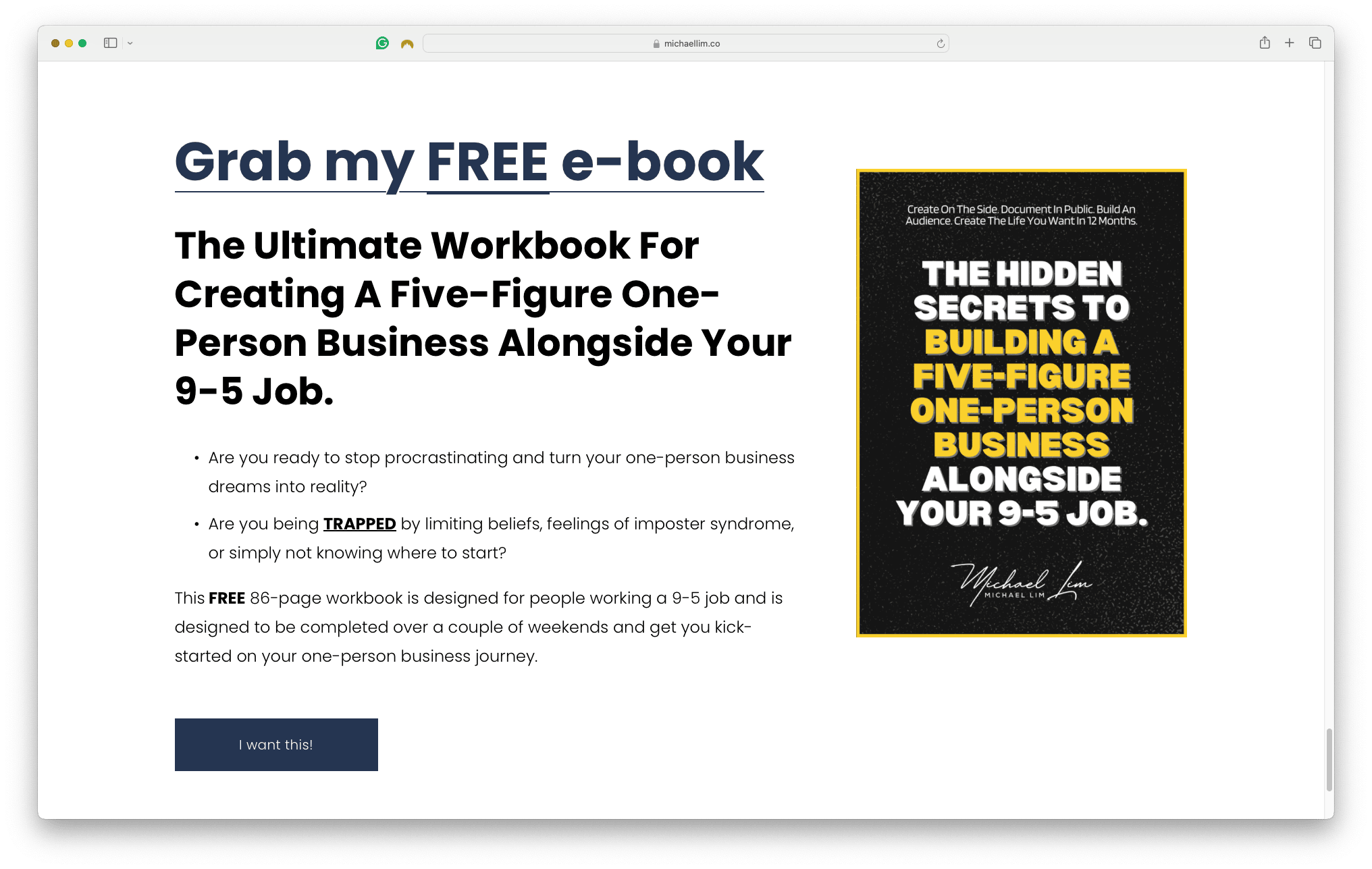 On his website
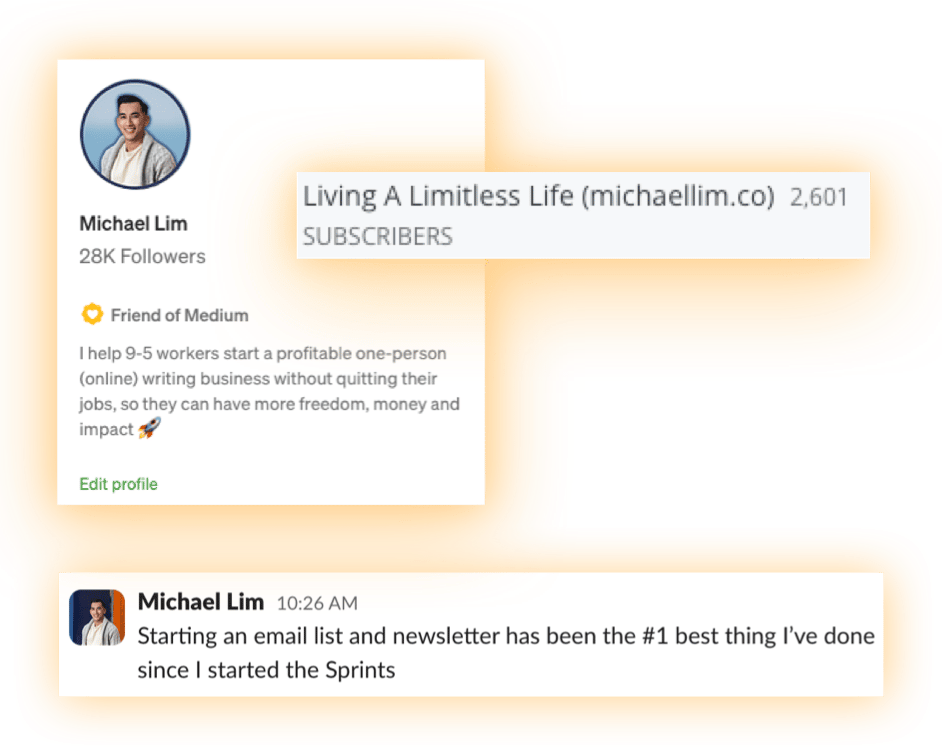 The result of promoting his freebies across his digital channels
Step 7: Start Writing
Now that you've delivered a valuable freebie and wowed your new subscribers, it's time to start talking to them.
"But what do I write about?!"
Anything.
- Tips
- Stories
- Insights and lessons
- Resources that have helped you
- Updates on your projects and life
If they've opted into receiving your freebie, they're probably interested in learning more about you and what else you have to offer.
So just pick an approach that works for you, that you can enjoy and most importantly, sustain:
- Focus: Pick 3-5 topics or themes you want to share
- Format: Guides, storytelling, a curation of content
- Frequency: Once per week, fortnight or month
Trust me—you'll figure it out as you go along.
The most important thing is that you just start.
Your future self will thank you for it.
"The best time to plant a tree was twenty years ago. The second best is now."
— Chinese Proverb
So in Summary, to Start Your Email Newsletter:
- Domain: Buy your own domain ("website")
- Alias: Create an email address to send from
- Platform: Select an email platform to start with
- Verify: Confirm you own the sending email address
- Freebie: Create a valuable free incentive for your audience
- Promote: Go crazy and plug it everywhere
- Start writing: Start talking to your audience